Asset Configurations List
The asset configuration page represents a table of existing asset configurations:
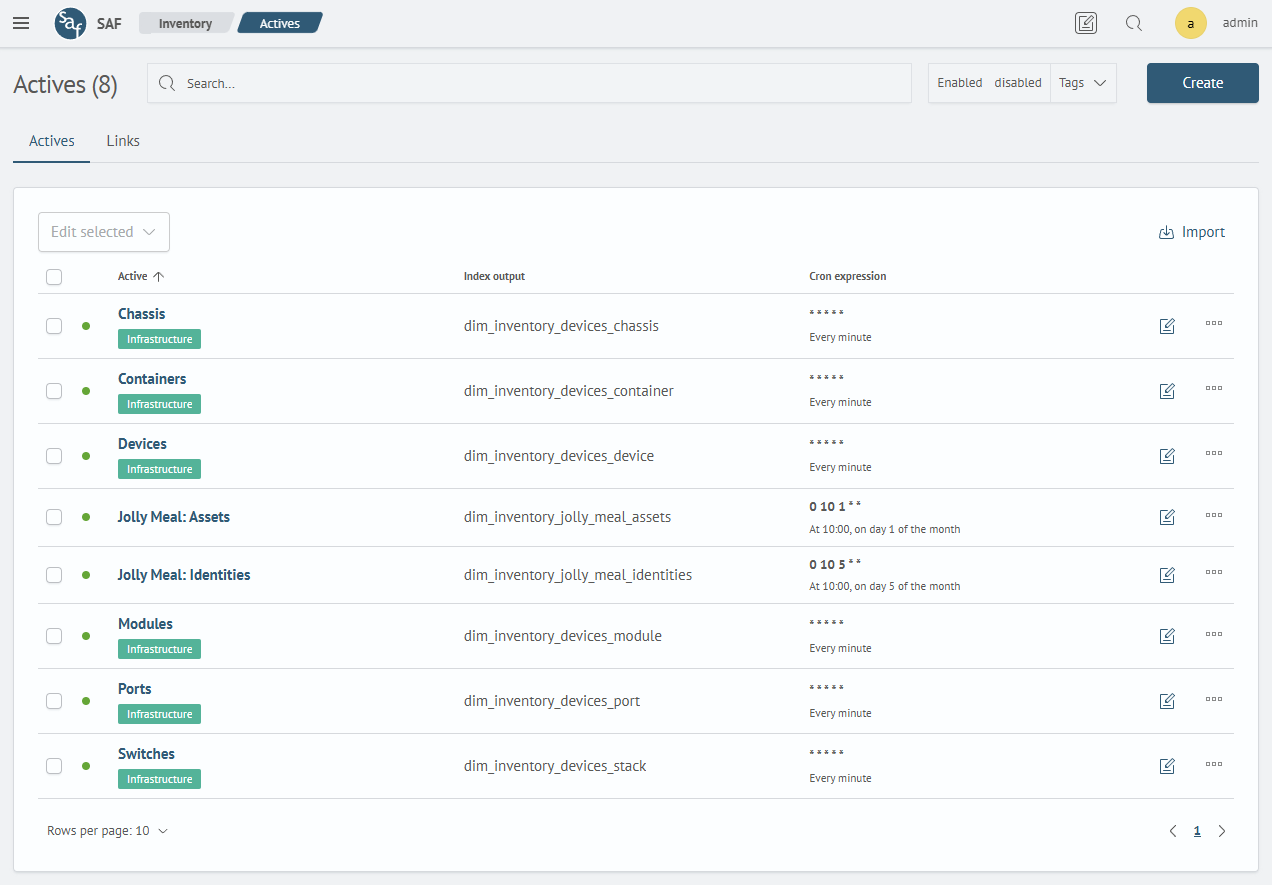
The table can be sorted by columns, filtered using the Search input field or using Enabled, Disabled or Tags filters.
For each asset configuration in the All Actions column of the selected configuration, the following actions are available:
Tags- list of tagsPermissions- restriction of asset configurations for reading or writing by rolesEnable/Disable- enabling/disabling background asset collection work by the calculation moduleRun Statistics- transition to the calculation module run statistics pageDelete- deleting asset configuration
To edit a configuration, click the Edit button.
To export asset configurations, select the desired rows and click the Export button:
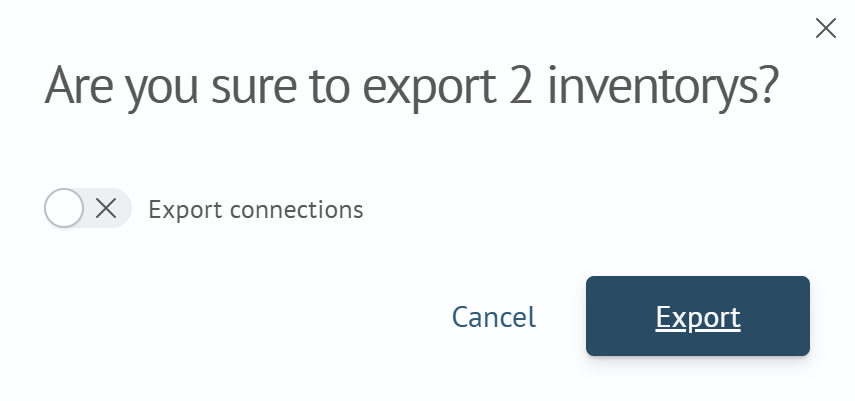
If you activate the Export Links switch, links will be exported for the selected asset configurations.
To import asset configurations, click the Import button and select the desired files:

Links of asset configurations can also be contained in the files - they will also be imported.
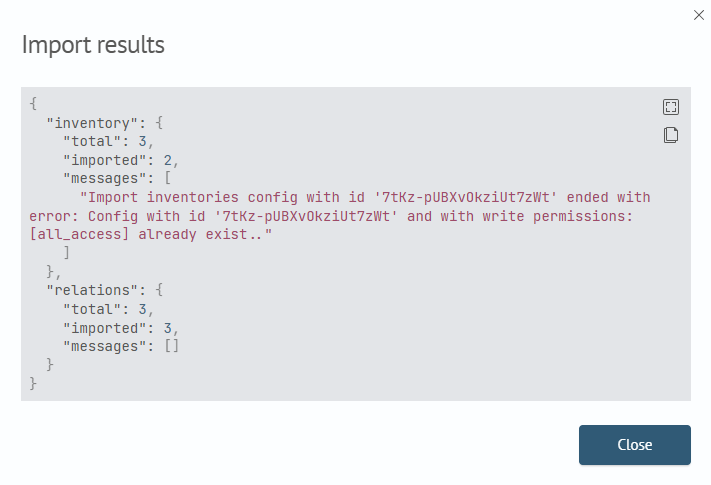
After performing the import, you can view the result by clicking the Status button in the notification in the lower right corner:
Starting from version 5.2.0, export and import of asset configurations is performed in a new format.
For import of configurations, support for the old format is preserved.