Synchronizing an Algorithm
Algorithm synchronization prepares a working notebook in Jupyter for developing and debugging the algorithm in a deployment.
Open the Deployment Menu
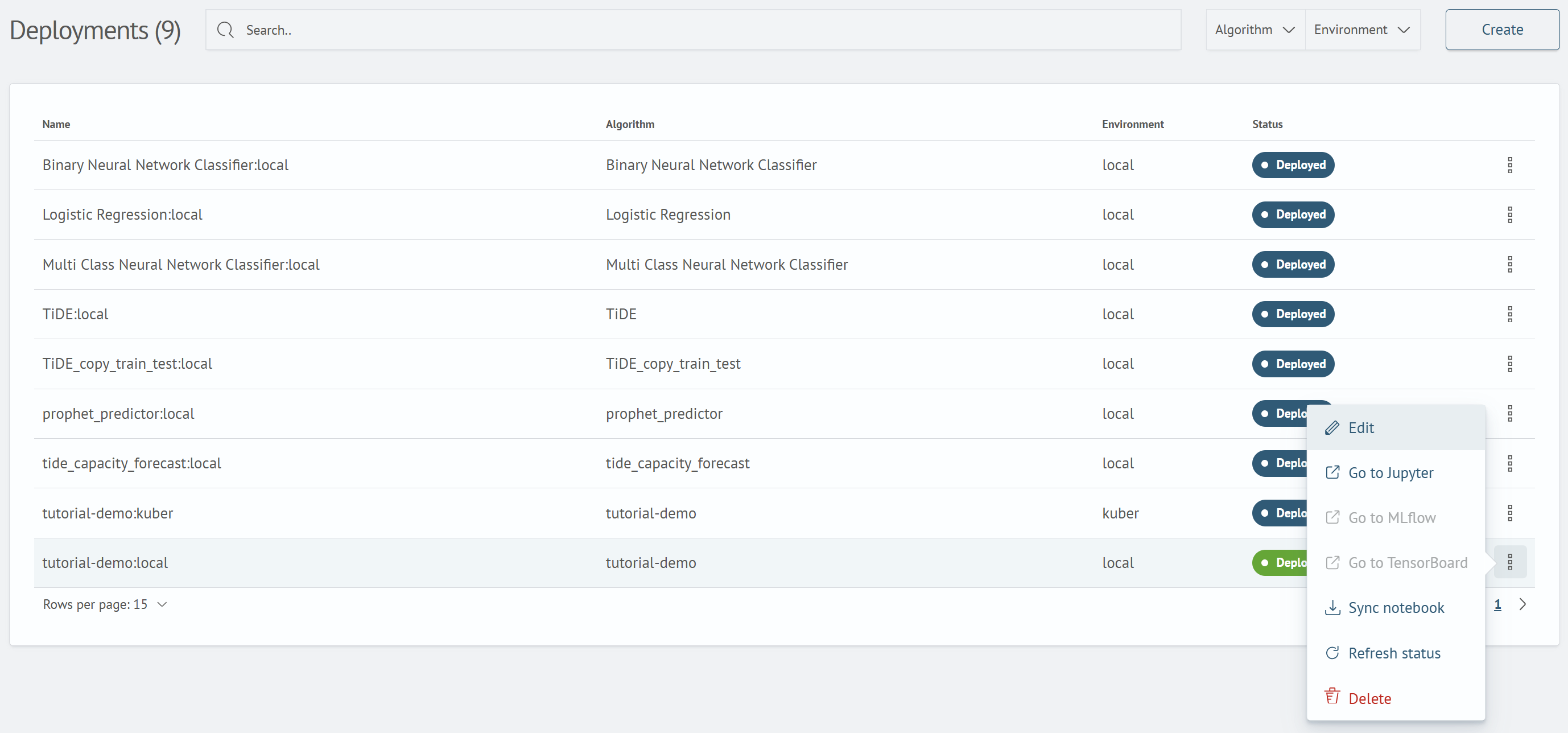
On the Deployed Images screen, open the ⋮ menu in the required deployment row. The menu contains the Go to Jupyter, Go to MLflow, Go to TensorBoard, Synchronize Algorithm, Update Status, and Delete actions.
note
The Go to Jupyter, Go to MLflow, and Go to TensorBoard actions are available only if the corresponding service is configured for the deployment.
Synchronize the Algorithm
Select Synchronize Algorithm. After synchronization starts, the Algorithm synchronization started notification appears.
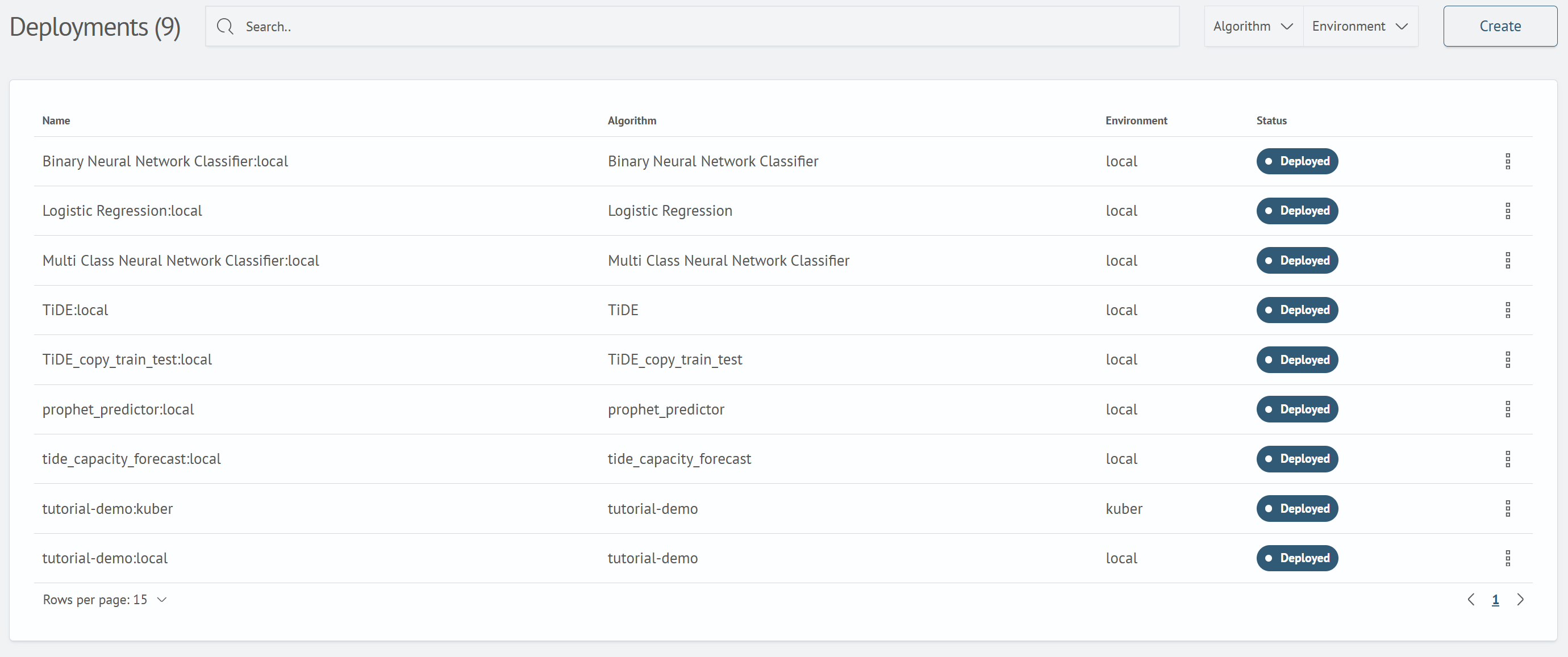
After synchronization, select Go to Jupyter to open the working notebook.
Next step: Training and Applying a Model.