Creating an Algorithm
An algorithm is an implementation of a machine learning method associated with a base container image.
Open the Creation Form
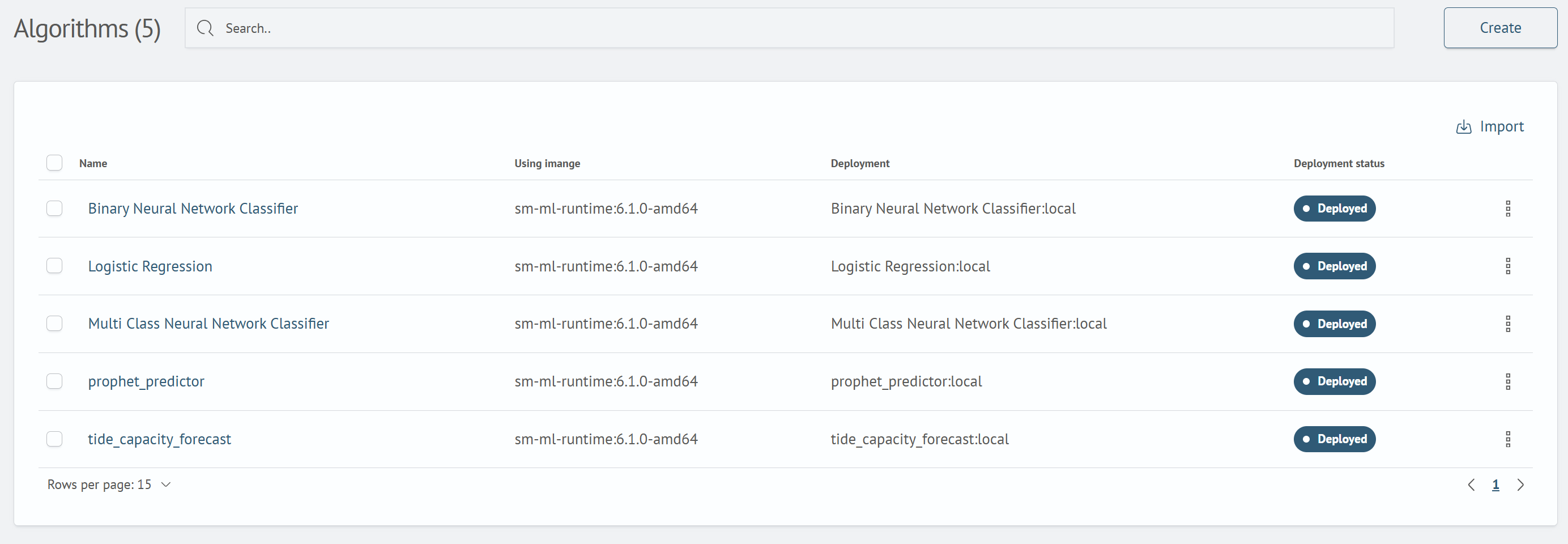
Go to Main Menu - ML Studio - Algorithms, and click Create.
Enter a Name and Select an Image
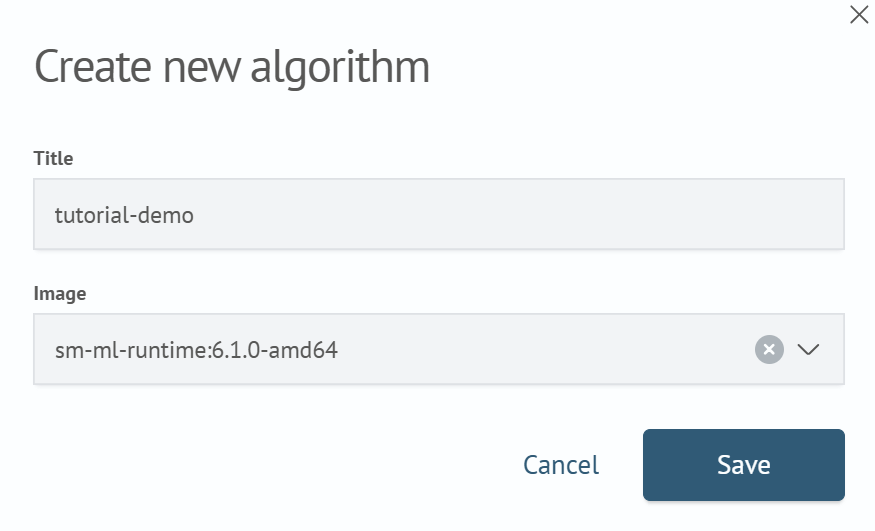
In the Create New Algorithm form, enter a value in the Name field (tutorial-demo in this example), and open the Image list. Select an available container image, for example, sm-ml-runtime:6.1.0-amd64.
Save the Algorithm
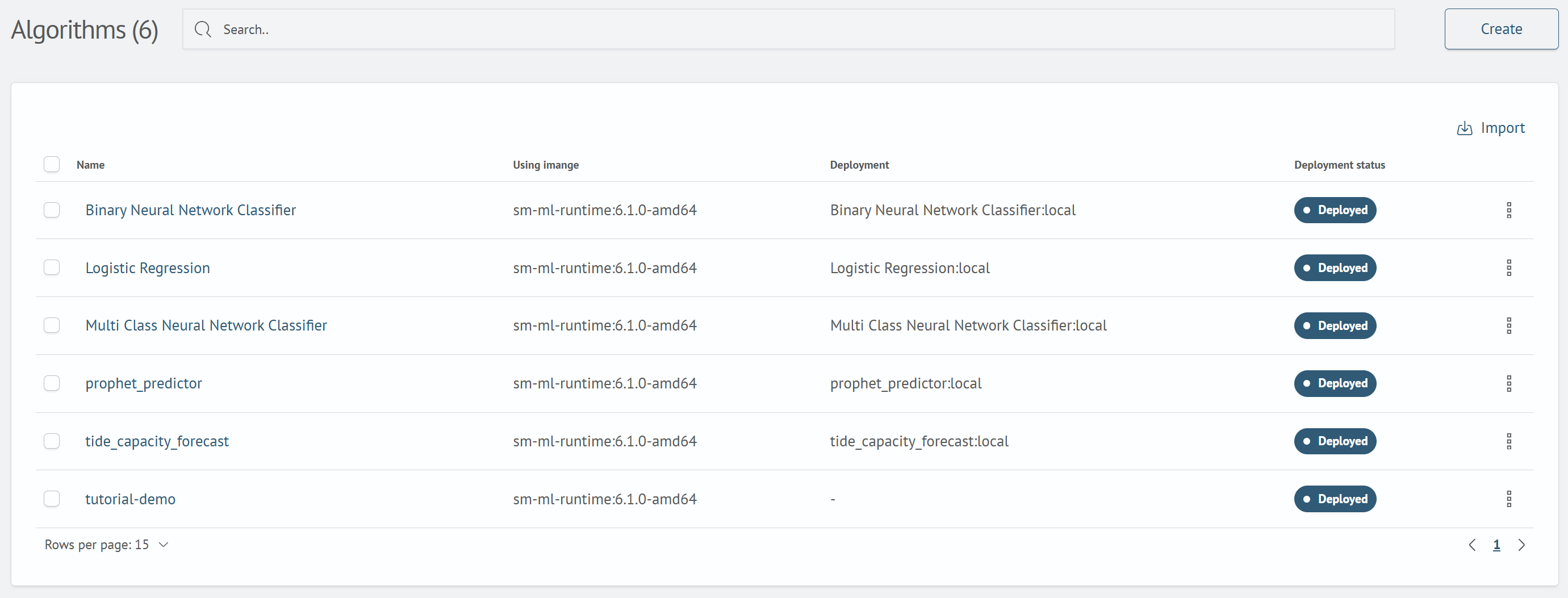
Click Save. After the algorithm is created, the Algorithm created successfully notification appears and the tutorial-demo row is added to the list. Until the algorithm is deployed, - is displayed in the Deployed Image and Deployed Image Status columns.
Next step: Editing an Algorithm.