Sound Notifications
The appearance of new incidents can be accompanied by sound notifications. To set this up, go to Main Menu - System Settings - Incident Manager - Sound Notifications.
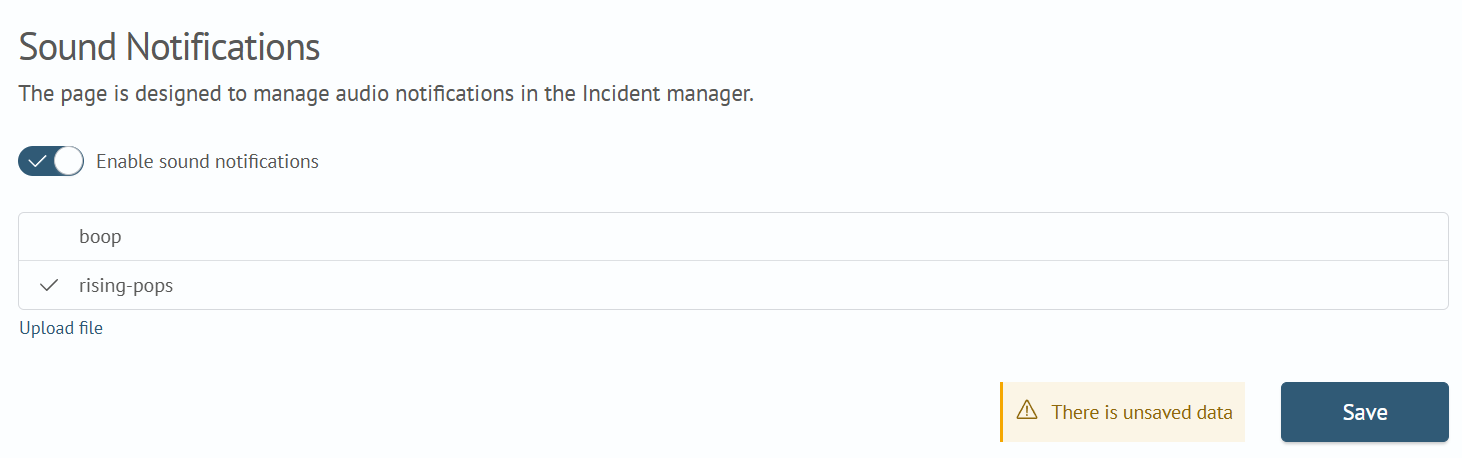
-
Toggle the module switch to the
Onposition -
Select the notification sound by choosing from the list or uploading your own audio file using the
Upload Filebutton -
Go to the
Incident Manager: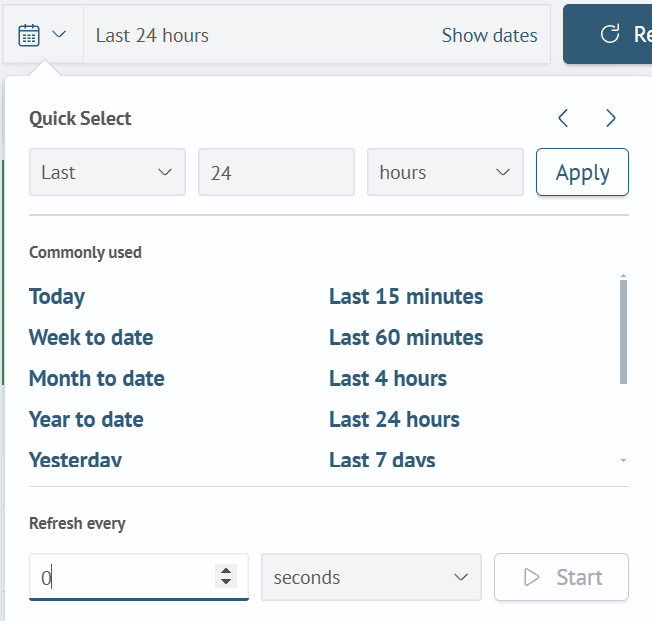
-
Specify the desired interval for updating the list of incidents
-
Click
Start
Now, a sound notification will play each time the list of incidents is updated.