Installing the Content Module
Table of Contents
General Description
The AI Observability content module is delivered as an archive ai_observability.zip including ready knowledge objects. Installation is performed through the standard Content Management mechanism.
Module Composition
| Object Type | Objects |
|---|---|
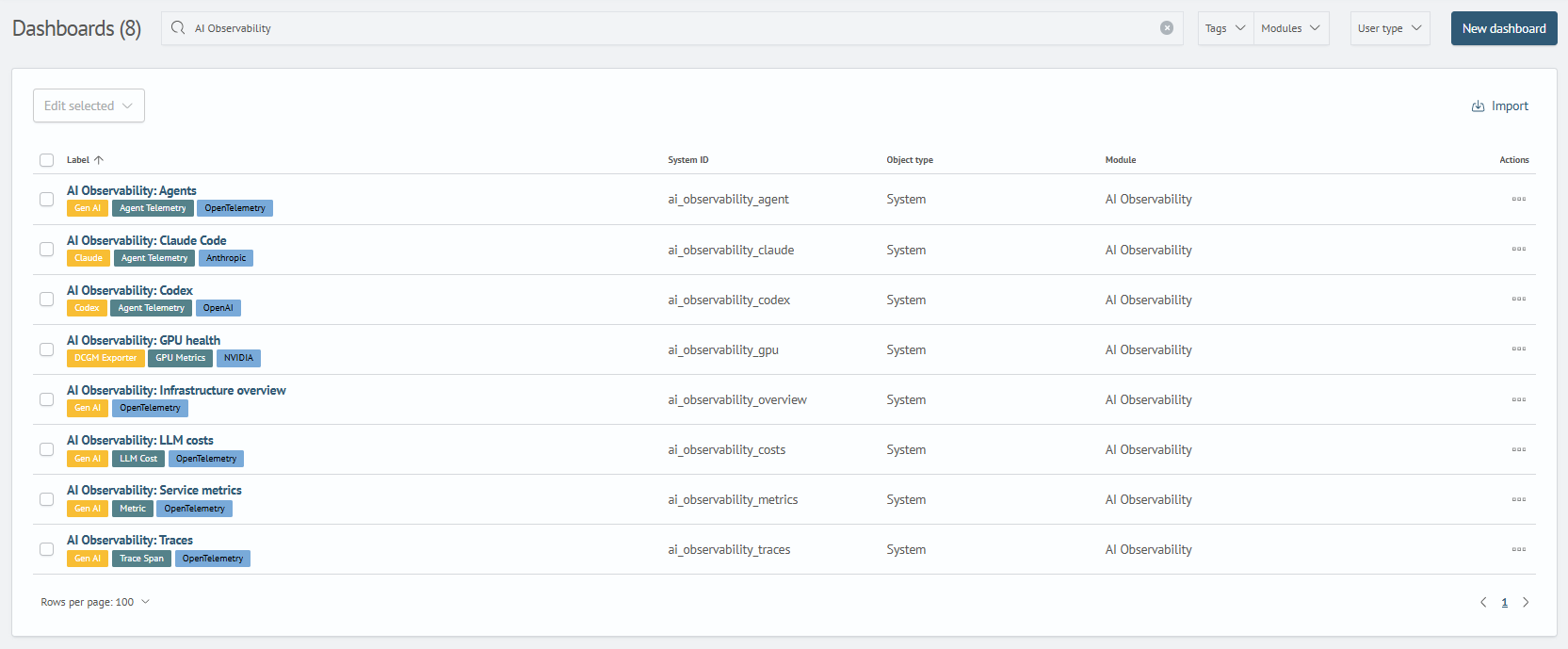
| Dashboards | 8 dashboards: Infrastructure Overview, Agents, Traces, LLM Costs, Service Metrics, GPU Status, Claude Code, Codex |
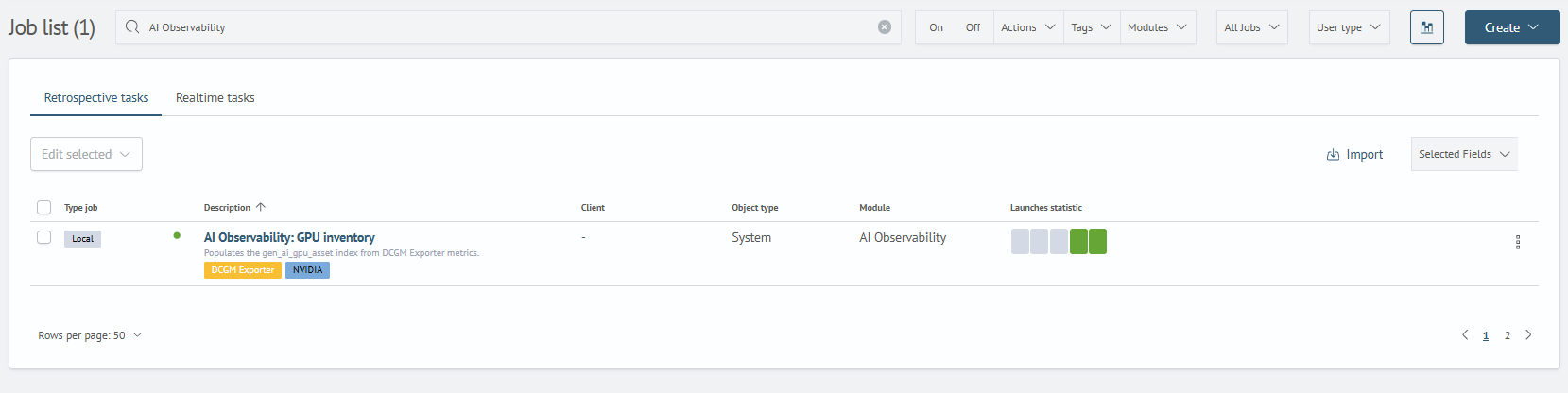
| Scheduler Tasks | GPU Inventory |
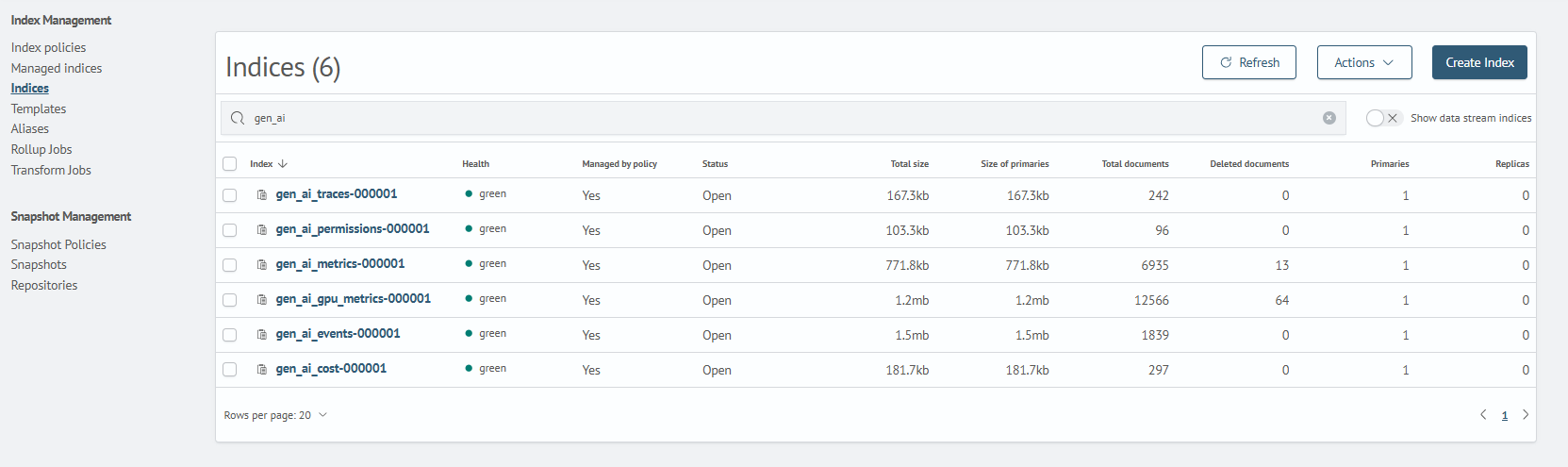
| Runtime Indexes | gen_ai_traces, gen_ai_events, gen_ai_metrics, gen_ai_gpu_metrics, gen_ai_cost |
| Tags | Agent Telemetry, Anthropic, Claude, Codex, DCGM Exporter, GPU Metrics, Gen AI, LLM Cost, Metric, NVIDIA, OpenAI, OpenTelemetry, Trace Span |
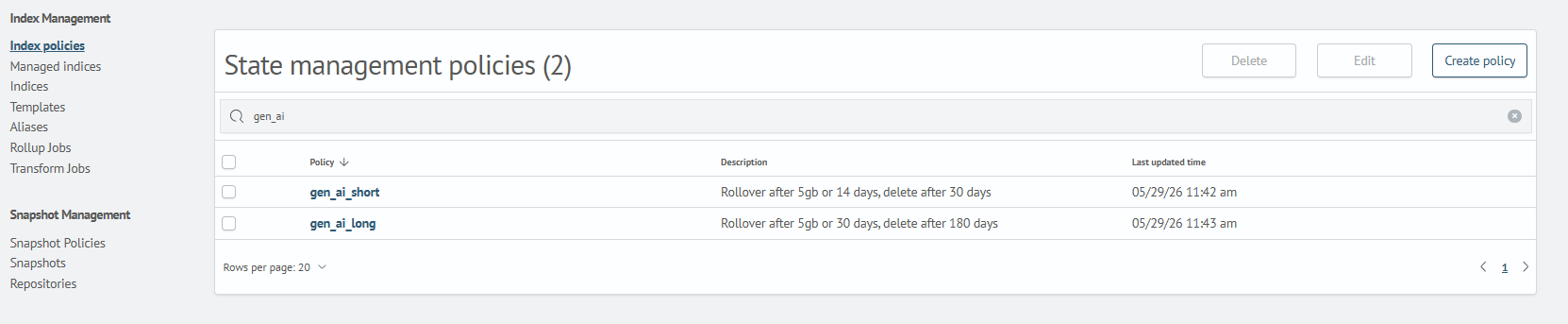
| ISM Policies | Lifecycle policies for short- and long-lived gen_ai_* indexes |
| Reference | Reference configuration for Claude Code and Codex icons |
Settings in the indexes and policiesism directories must be adapted to the data storage and rotation requirements of a specific installation.
Inventory assets, health metrics, index templates and patterns are not included in the Content — they are installed by the ai_observability_ko_maker utility.
Installation Sequence
Step 1. Module Installation
To install, perform the actions described in the corresponding Content Management section.
Example
- Go to the
Content Managementsection: (Main Menu-System Settings-Module Settings-General-Content Management) - Select or drag the content module archive
ai_observability.zip - Confirm installation. After completion, objects will be available in the corresponding interface sections
Step 2. Checking Module Object Loading
1. Dashboard Check
After loading, check for dashboard availability:
Main Menu - Main - Dashboards
2. Scheduled Task Check
Check for the AI Observability: GPU Inventory task:
Main Menu - Job Scheduler
3. Index Check
Check for index availability:
Main Menu - System Settings - Index Management - Indexes
4. Index Management Policy Check
Check for ISM policies:
Main Menu - System Settings - Index Management - Index Policies
5. Tag Check
Check for tag availability:
Main Menu - System Settings - Module Settings - Tags
- Agent Telemetry
- Anthropic
- Claude
- Codex
- DCGM Exporter
- GPU Metrics
- Gen AI
- LLM Cost
- Metric
- NVIDIA
- OpenAI
- OpenTelemetry
- Trace Span