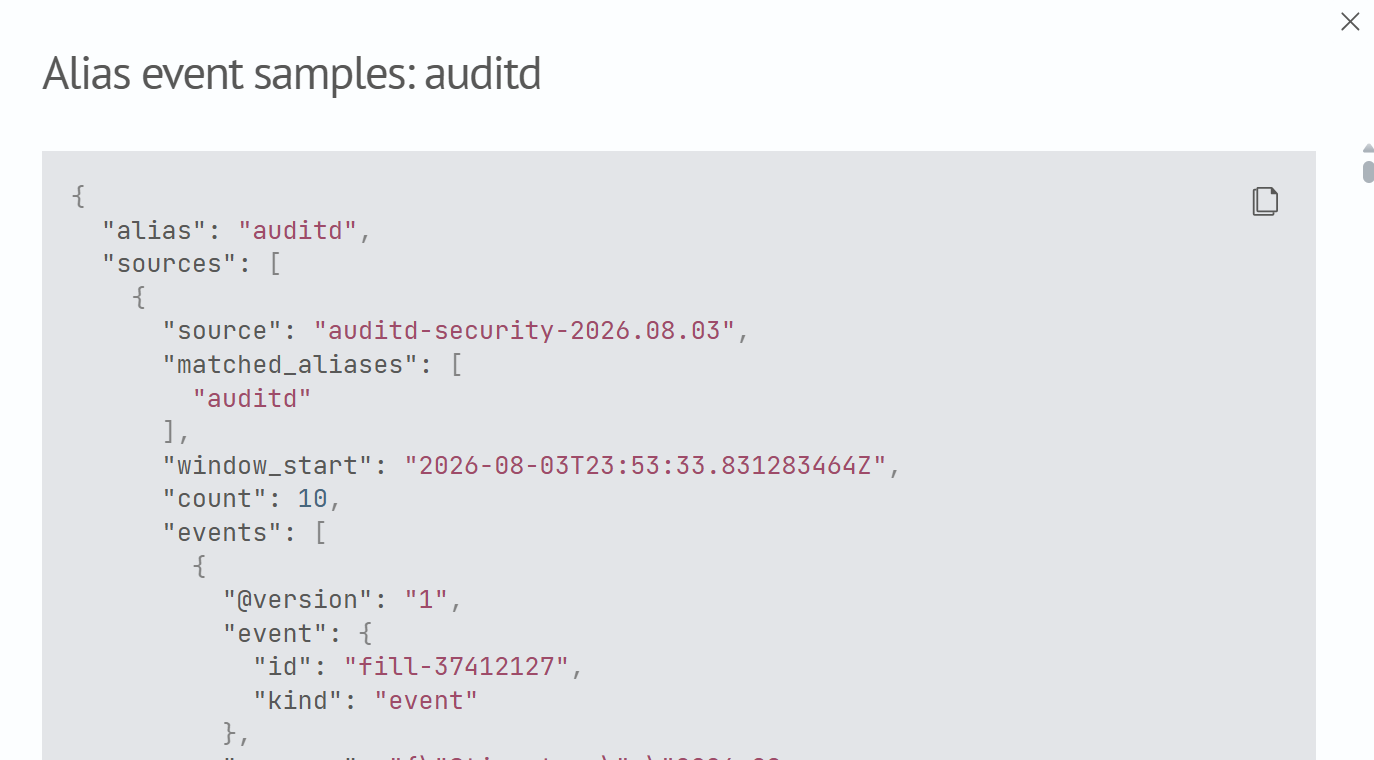
Sources
Source Parameters
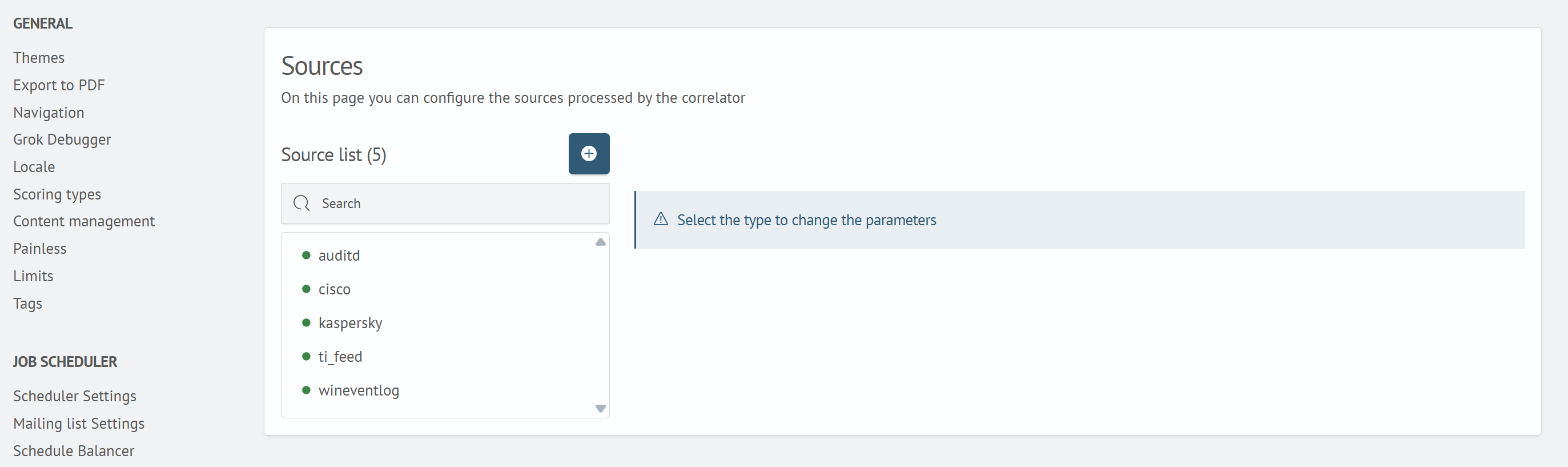
To add or modify a source:
- Click the add button next to the
Source Listheading, or select an existing source from the list - Complete the required
Namefield. Its value is automatically converted to lowercase - Use the
Enabletoggle to specify whether the source participates in event selection - In
Pattern, enter one wildcard pattern, for example,auditd*. Multiple comma-separated patterns are not supported for a single source - Click
Saveto apply the changes, orCancelto close the form without saving
A list of indexes matching the pattern is displayed under Pattern. This list shows which physical source indexes the correlator includes when selecting events.
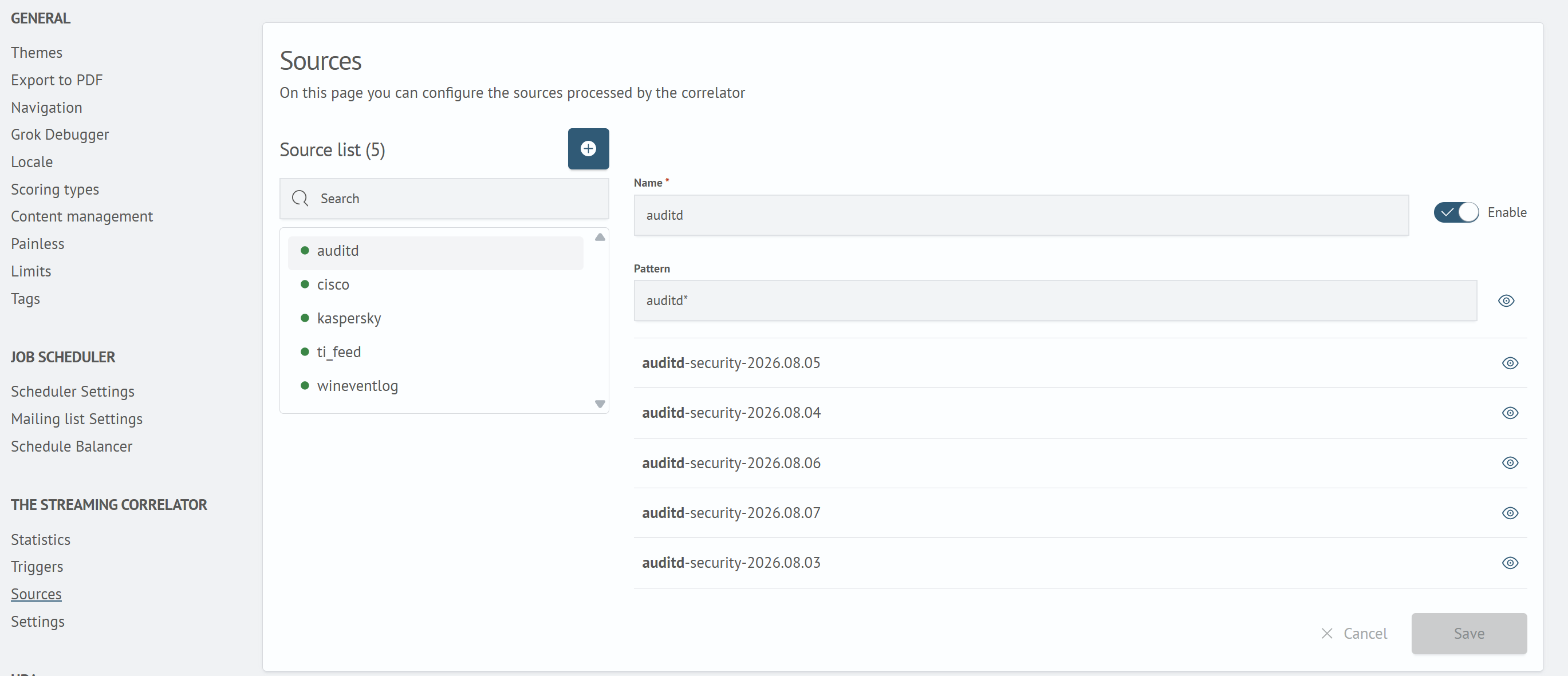
Event Samples
A view button is available next to the pattern and each matching index. It opens the Alias Event Samples dialog containing actual events received through the alias. The number of samples stored for each alias is controlled by the ingest.event_sample_size cluster setting (default: 10).