Import and Export of Layers
Export
Exporting a Single Layer
To export a specific layer and its associated entities, you need to:
-
Navigate to the Layers section
-
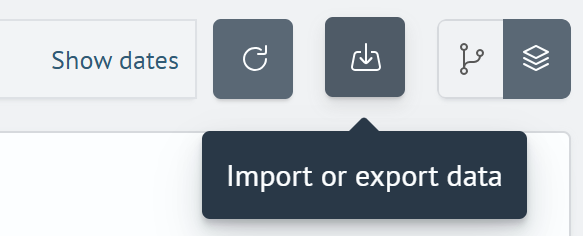
Click the import/export button in the upper right corner of the interface
- In the pop-up window, click the
Exportbutton
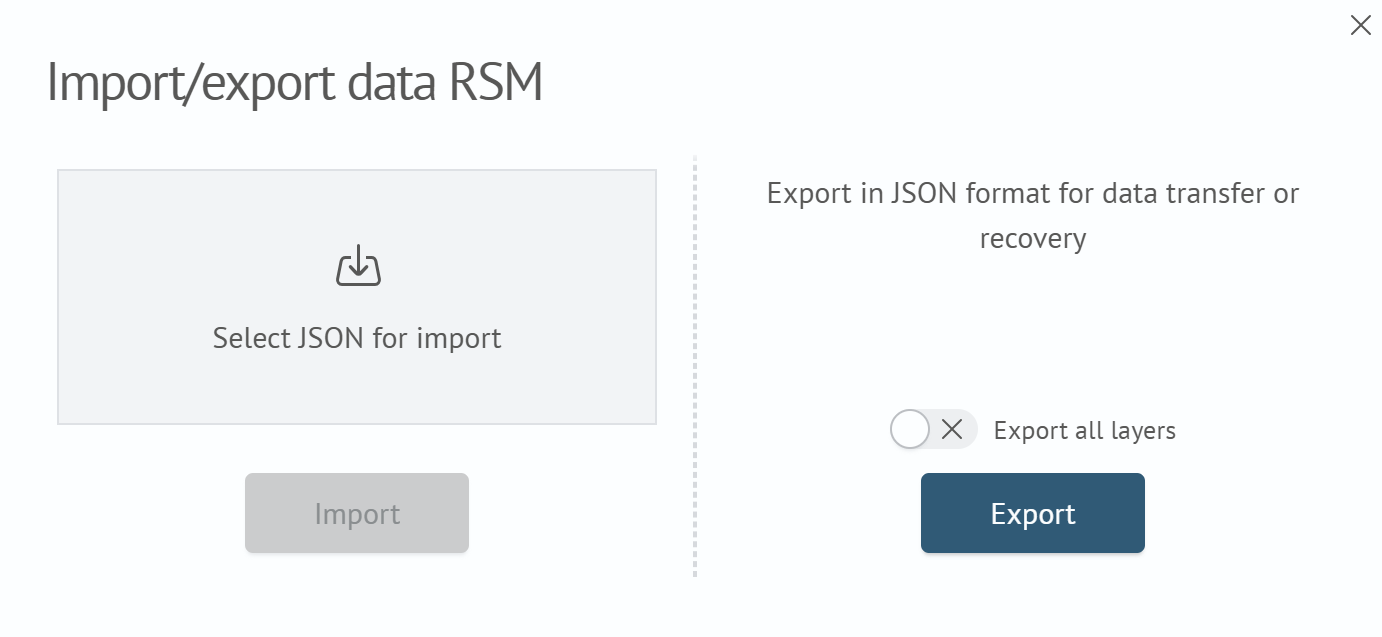
To export all layers and their associated entities, check the Export all layers checkbox.
Import
To import one or more layers:
-
Navigate to the Layers section
-
Click the import/export button in the upper right corner of the interface
-
In the opened window, select the JSON file containing the layer description
-
Click the
Importbutton. The layer will be added to the list