Working with Advanced Mode
The Search Anywhere Framework search page includes an advanced mode, which is used to generate the source documents that served as the basis for the search query results.

Limitations of Advanced Mode
Advanced mode is supported for the following commands: stats, aggs, timeaggs, table, chart, timechart, dedup.
The maximum number of source events is determined by the search query parameter qsize and cannot exceed the limit of 1000 documents.
Example of Using Advanced Mode
To enable advanced search mode, navigate to Main Menu - Search to execute a search query and follow these steps:
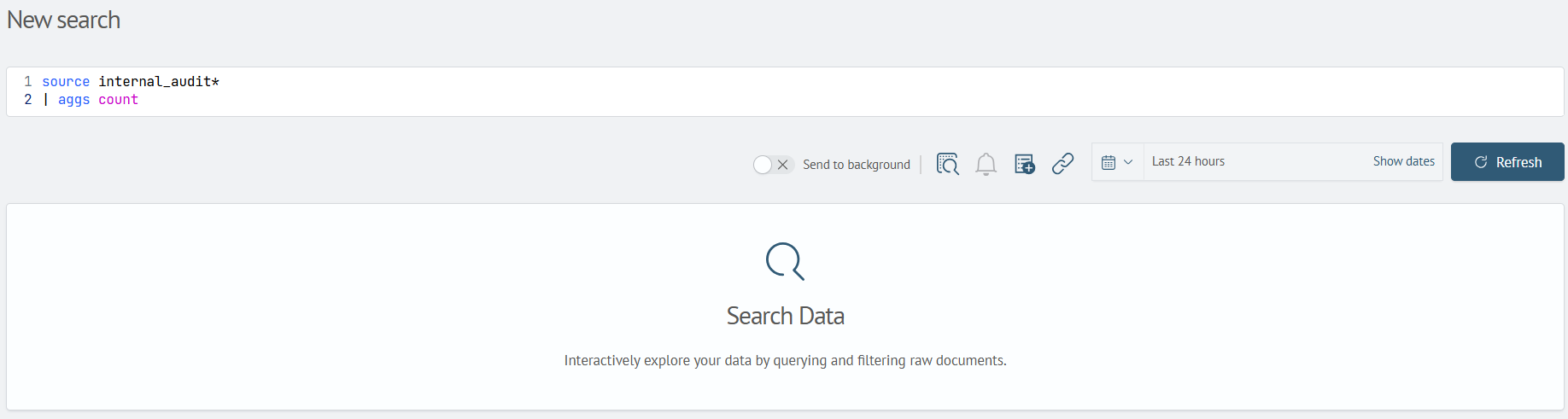
- Enter a search query containing a command compatible with advanced mode, for example:
source internal_audit*
| aggs count
- Toggle the
Advanced Modebutton to the active position:

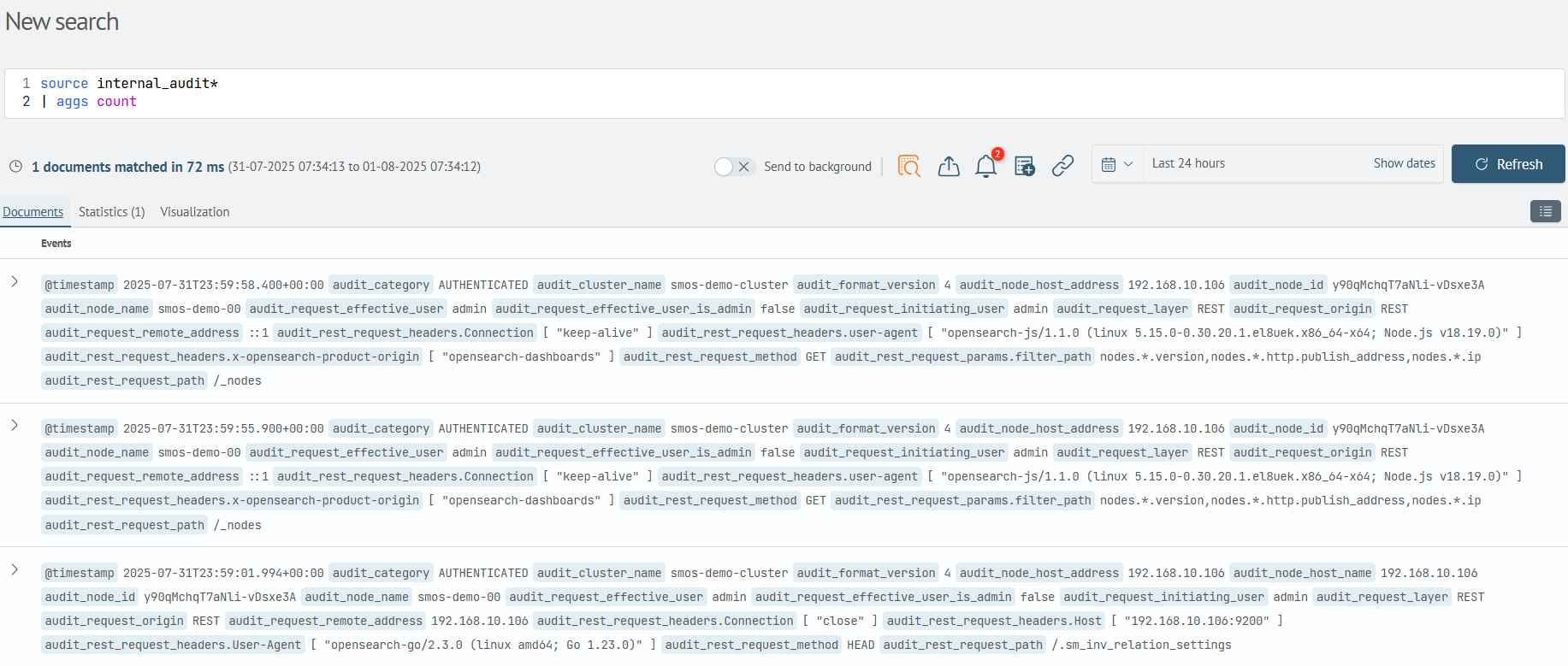
- Execute the search query and switch to the
Documentstab:
Data Display Modes
When working with certain search commands, the Statistics tab provides toggle options for selecting the data display mode:

Table view(default)

Event list view
