Sending Email
Use the Sending E-mail active action to send alert notifications by email. It lets you respond to events outside the Smart Monitor interface.
Email Action Settings
On the Active Actions tab, add the Sending E-mail action. The Active Actions page describes this action and its parameters.
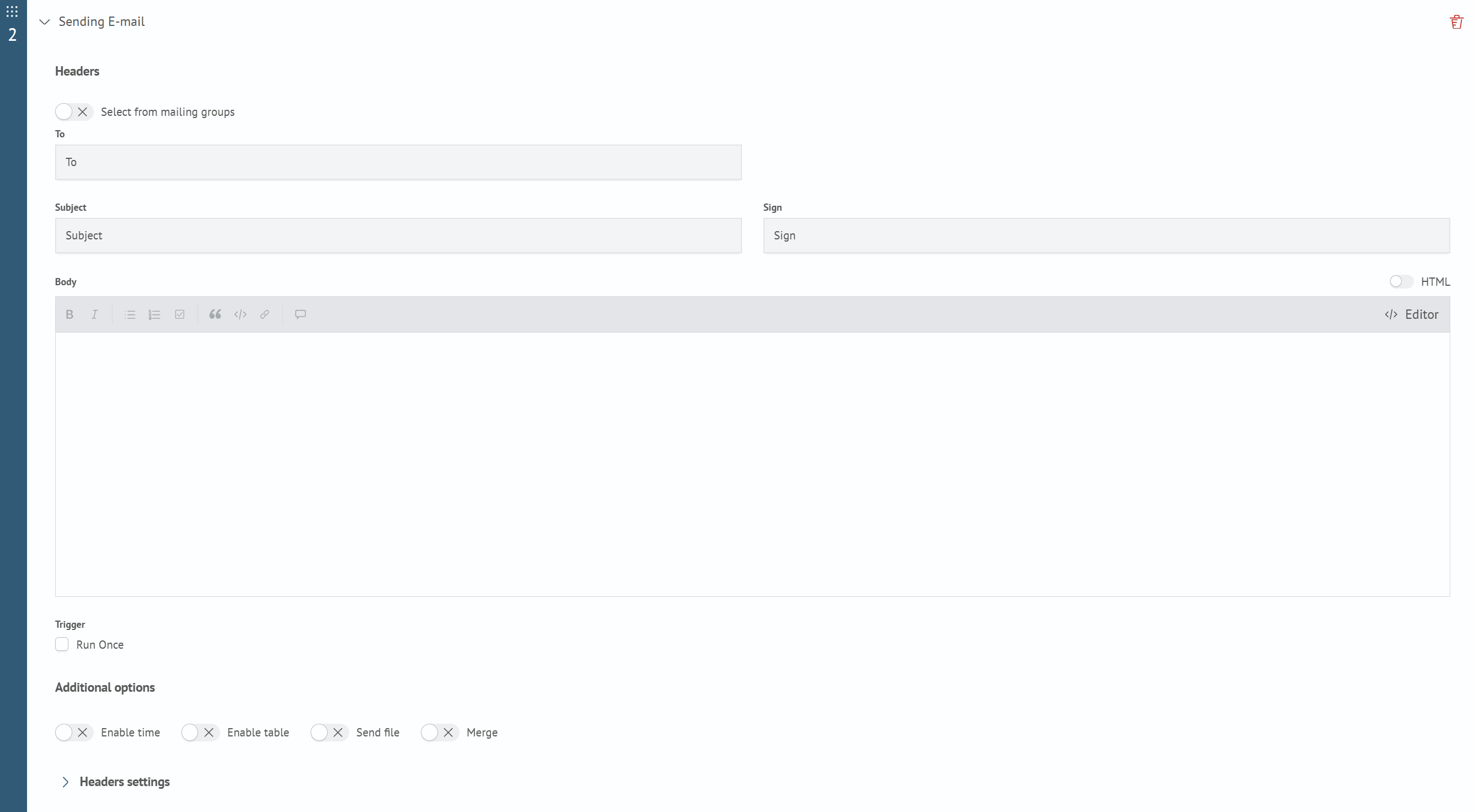
In the From field, you can select the sender's SMTP configuration. The list shows only configurations available to the current user. The system SMTP configuration is used by default.
The timeout for the connection and each SMTP server response is configured in milliseconds in the SMTP configuration. The default is 5000. A value of 0 disables the timeout. Negative values are rejected when the configuration is saved.
Separate email addresses with commas and no spaces.
Before using the action, configure SMTP. See SMTP Configurations.