Version Selection
Version Management
At this stage, you can manage module versions, select the required content version, and proceed to the next installation step.
Version Selection and Installation
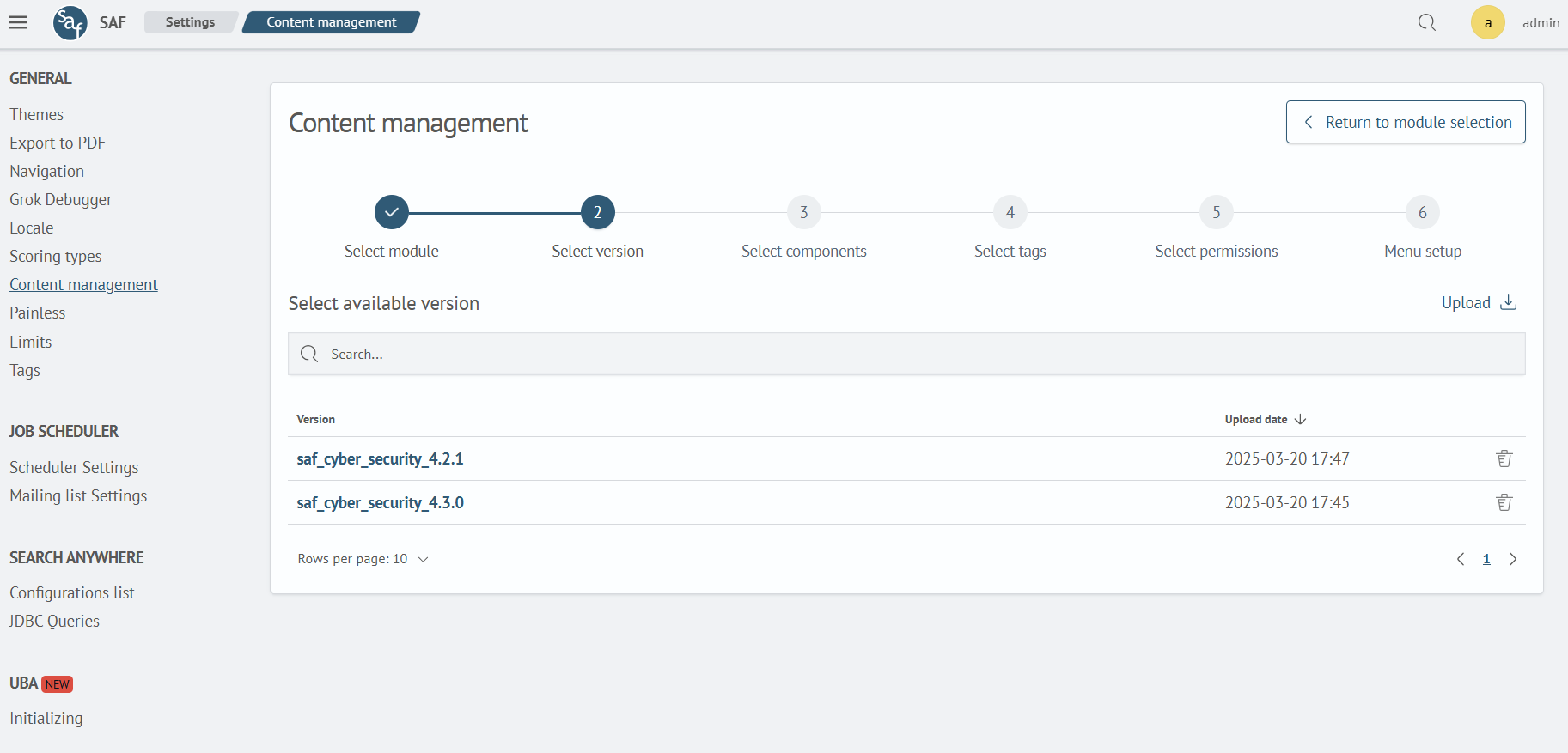
The table shows the available versions. To proceed to the next step, click on the version name. If you need to select a different module, click Return to module selection or on the step number.
Uploading a New Version
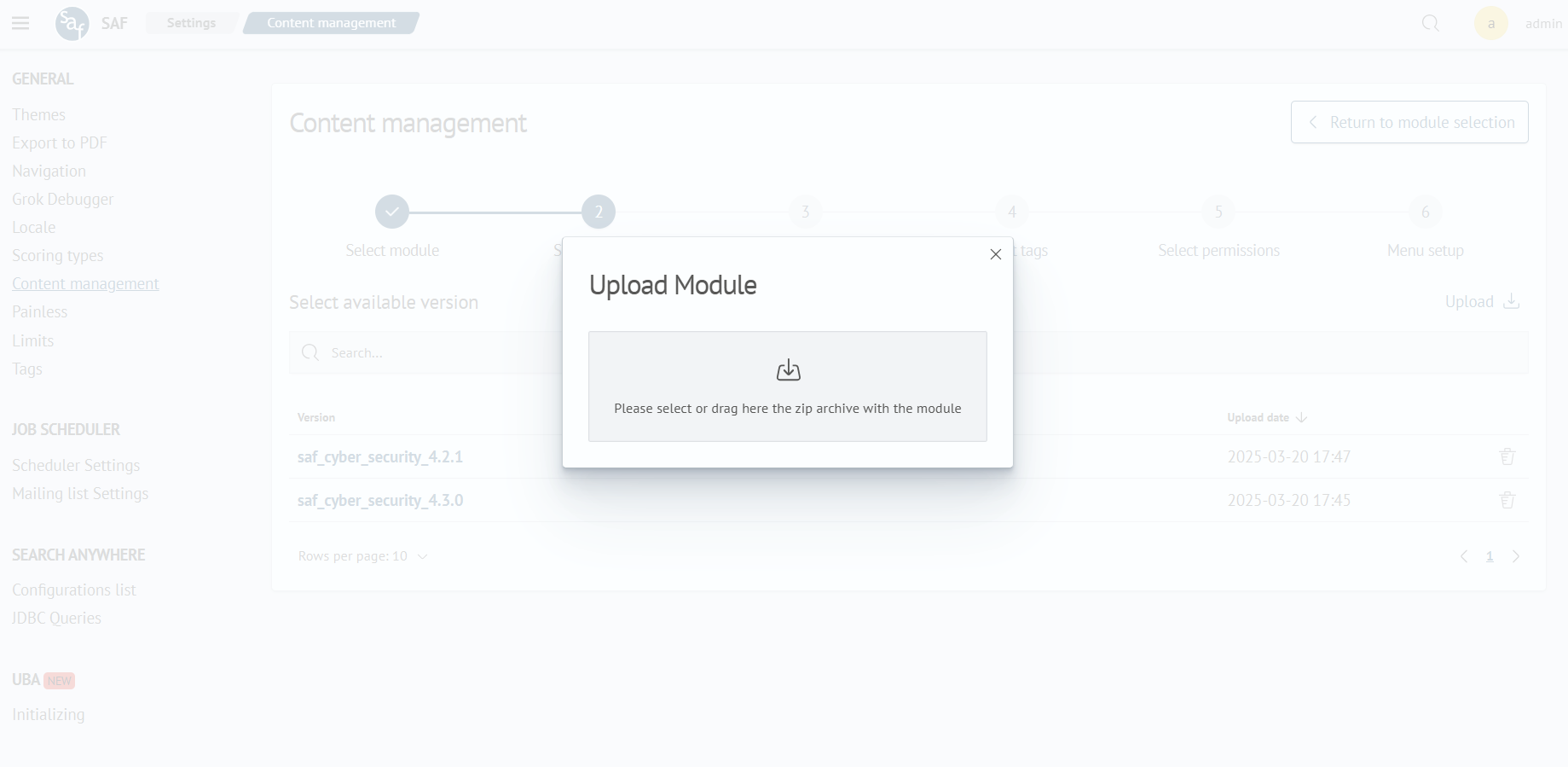
To upload a new version, use the Upload button. After clicking, a modal window with the upload form, similar to Step 1, will open.
Deleting a Version
To delete a version, click the red trash can icon and confirm the deletion.