Permissions Configuration
Permissions and Roles
Description
Access to each dashboard can be configured for specific users or groups of users on the system. This allows you to control who can view and edit a particular dashboard.
For each dashboard in its permissions, each role can be given access rights such as:
Read- users with this role can view the dashboard, but not edit itWrite- users can not only view but also edit the dashboard
Setting permissions
To specify permissions for roles to a specific dashboard:
- Go to the list of all dashboards (
Main Menu-Core-Dashboards) - In the right part of the line with the desired dashboard, click the
...button and select thePermissionsitem
A window with a list of roles and permissions will appear:
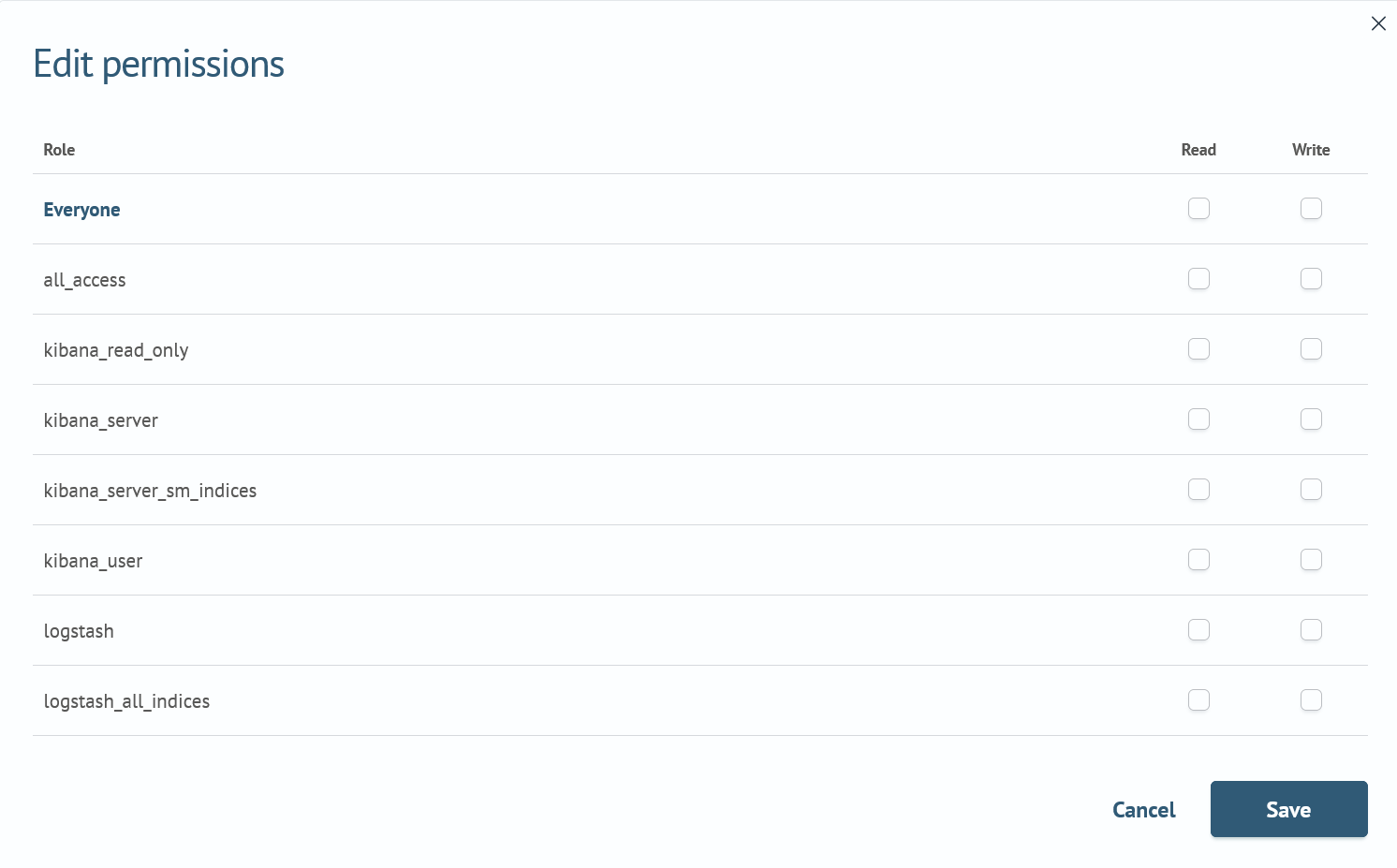
- Make changes to the permissions for the required roles
- Save the changes by clicking
SaveorCancelbutton to cancel the changes made