License Update
The steps described below must be performed on all SAF nodes.
For clusters consisting of multiple nodes, it is recommended to disable allocation before rebooting nodes via the developer console (Navigation menu - System Parameters - Developer Console) by executing the command:
PUT _cluster/settings
{
  "persistent": {
    "cluster.routing.allocation.enable": "none"
  }
}
The same can be done from the terminal using the following command:
curl -XPUT -k -u admin "https://127.0.0.1:9200/_cluster/settings?pretty" -H "Content-Type: application/json" -d '{"persistent":{"cluster.routing.allocation.enable": "none"}}'
After rebooting all nodes in the cluster, enable allocation:
PUT _cluster/settings
{
  "persistent": {
    "cluster.routing.allocation.enable": "all"
  }
}
The same can be done from the terminal using the following command:
curl -XPUT -k -u admin "https://127.0.0.1:9200/_cluster/settings?pretty" -H "Content-Type: application/json" -d '{"persistent":{"cluster.routing.allocation.enable": "all"}}'
The expiration of the support license does not affect the overall license term — the system will remain operational.
When updating the SAF license, not only the core product usage rights are automatically extended, but also the technical support license. It is important to remember that support is built into the same license key. After updating the license, the system automatically activates the extended support period without requiring any additional actions.
Update Instructions
When SAF is installed, the license is located in ${OS_HOME}/config/sme, where ${OS_HOME} is the OpenSearch home directory, usually /app/opensearch.
To update the license, you need to perform the following steps:
-
Check for an existing license, example below:
$ cd $OS_HOME/config/sme
$ ls -all
drwxr-xr-x 3 opensearch opensearch  4096 Jan 26 10:30 ./
drwxr-xr-x 7 opensearch opensearch  4096 Mar  1 16:32 ../
-rw-r--r-- 1 opensearch opensearch 1938 Dec 15 12:43 SAF-LICENSE.lic -
Delete the existing license from the home directory:
cd ${OS_HOME}/config/sme
rm -rf SAF-LICENSE.lic -
Copy the new license file
Please note!The license file extension must be lowercase
lic. Also, after adding the new license file, be sure to check the user and group ownership. In the example above, it'sopensearch:opensearch.If you have different values, use the command below:
chown -R opensearch:opensearch ${OS_HOME}/config/sme -
Restart the
opensearchservice:systemctl restart opensearch
Error When License is Missing
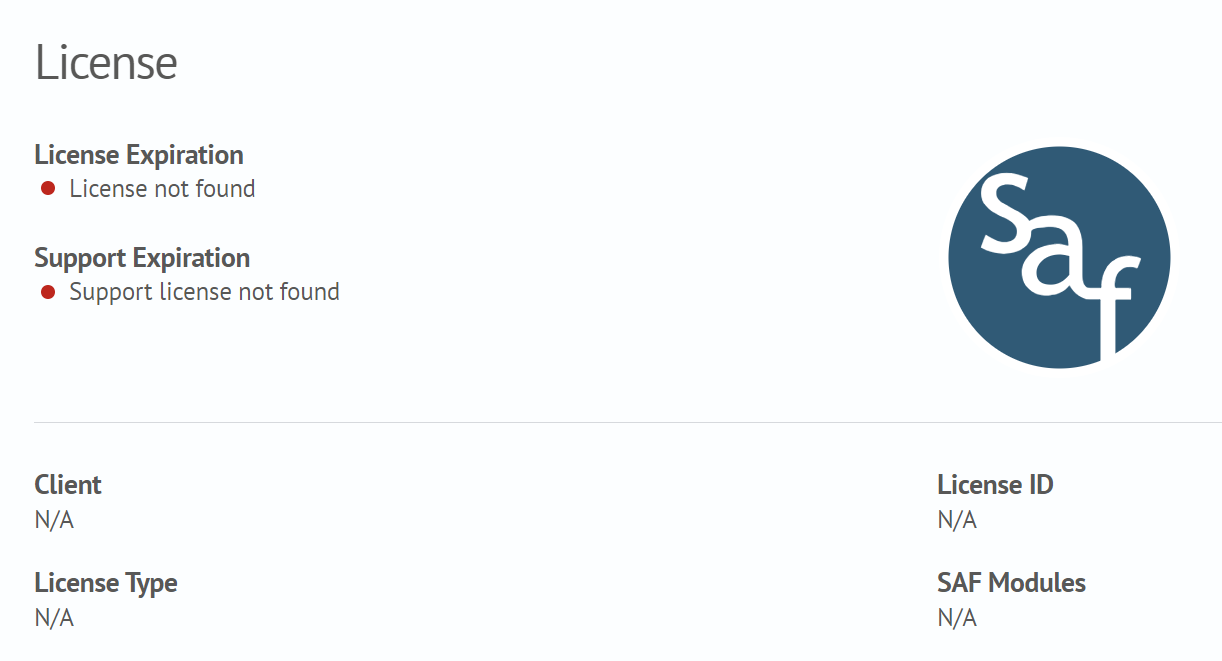
If the license is missing or expired, the user will see the following information in the web interface: