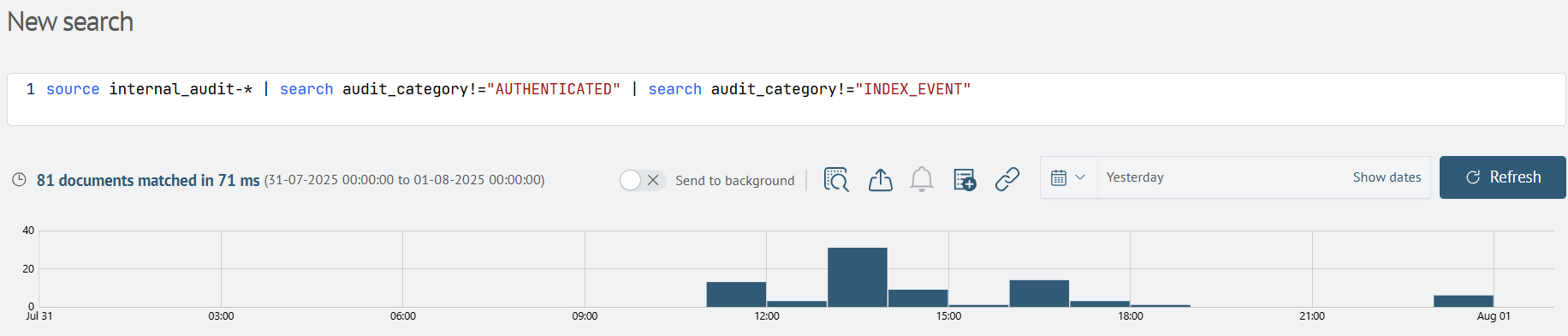
Quick Search
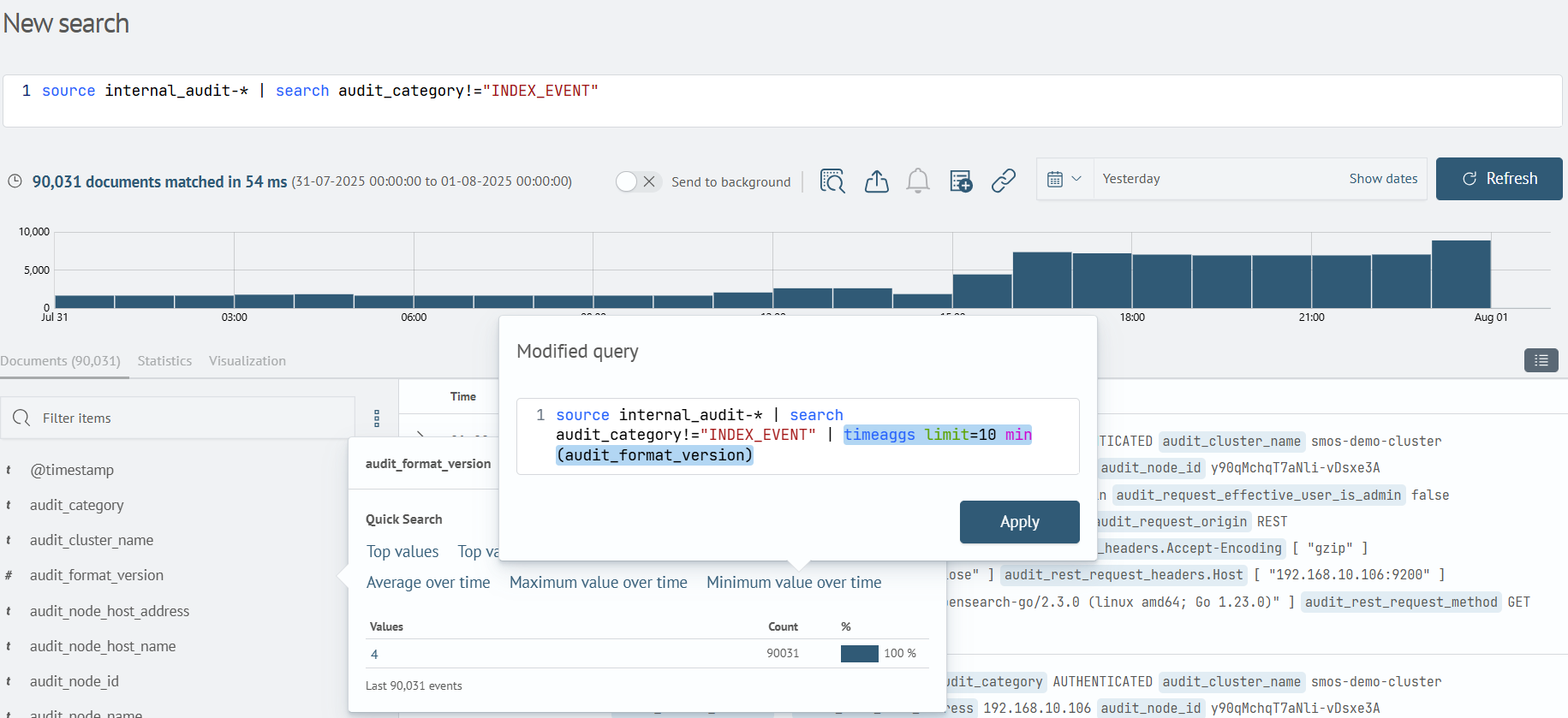
The system includes a built-in quick search mechanism that enables modification of the current search query. The modified query is automatically generated from the current query while maintaining the user's original logic.
Modified Query Preview
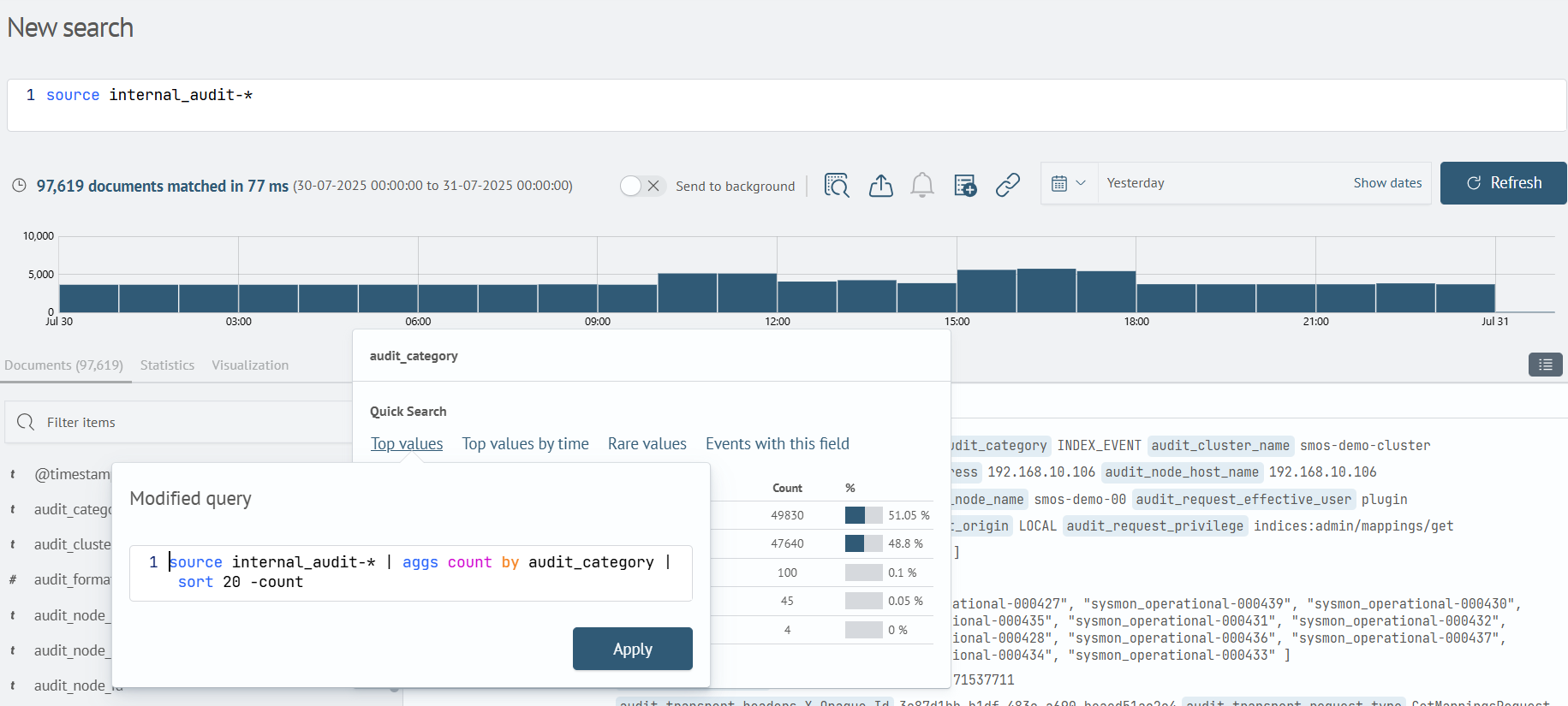
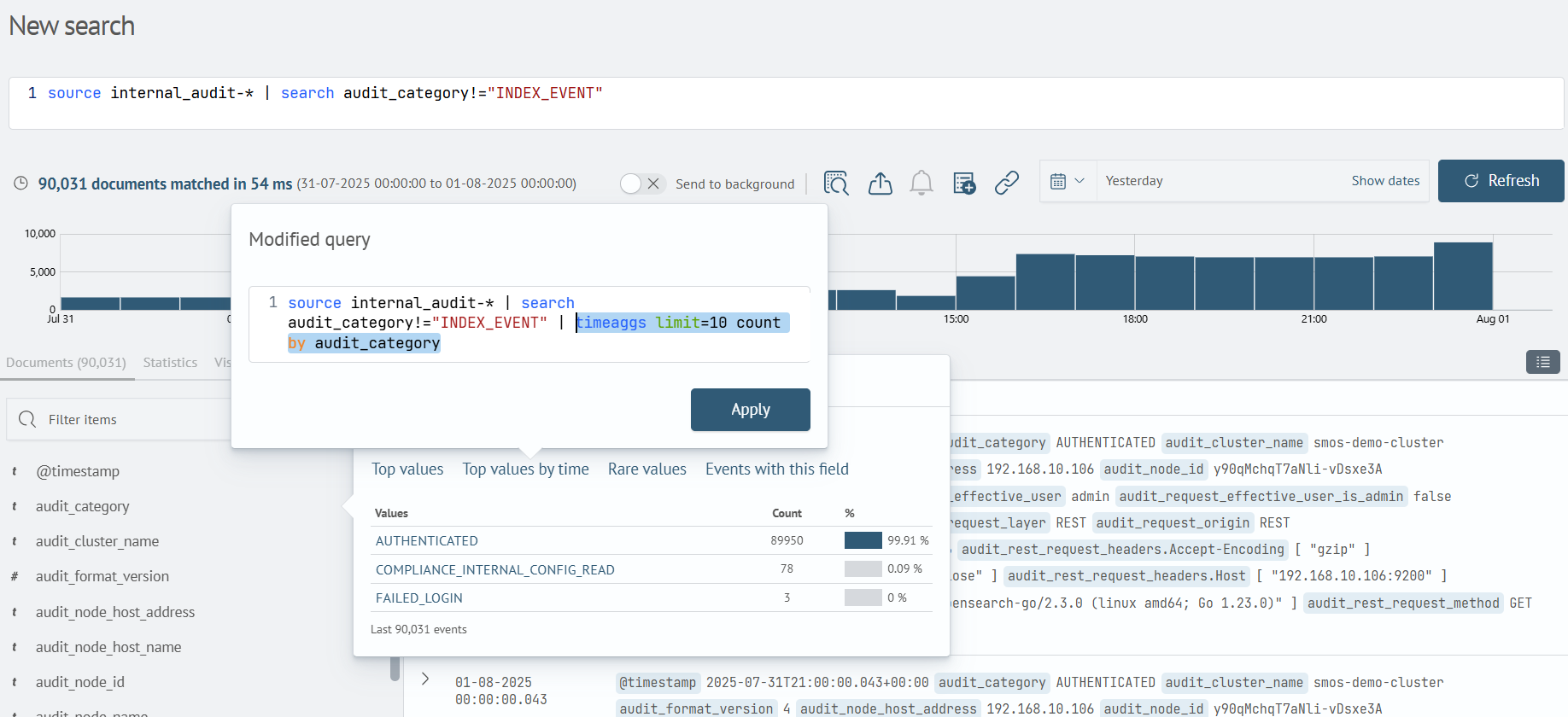
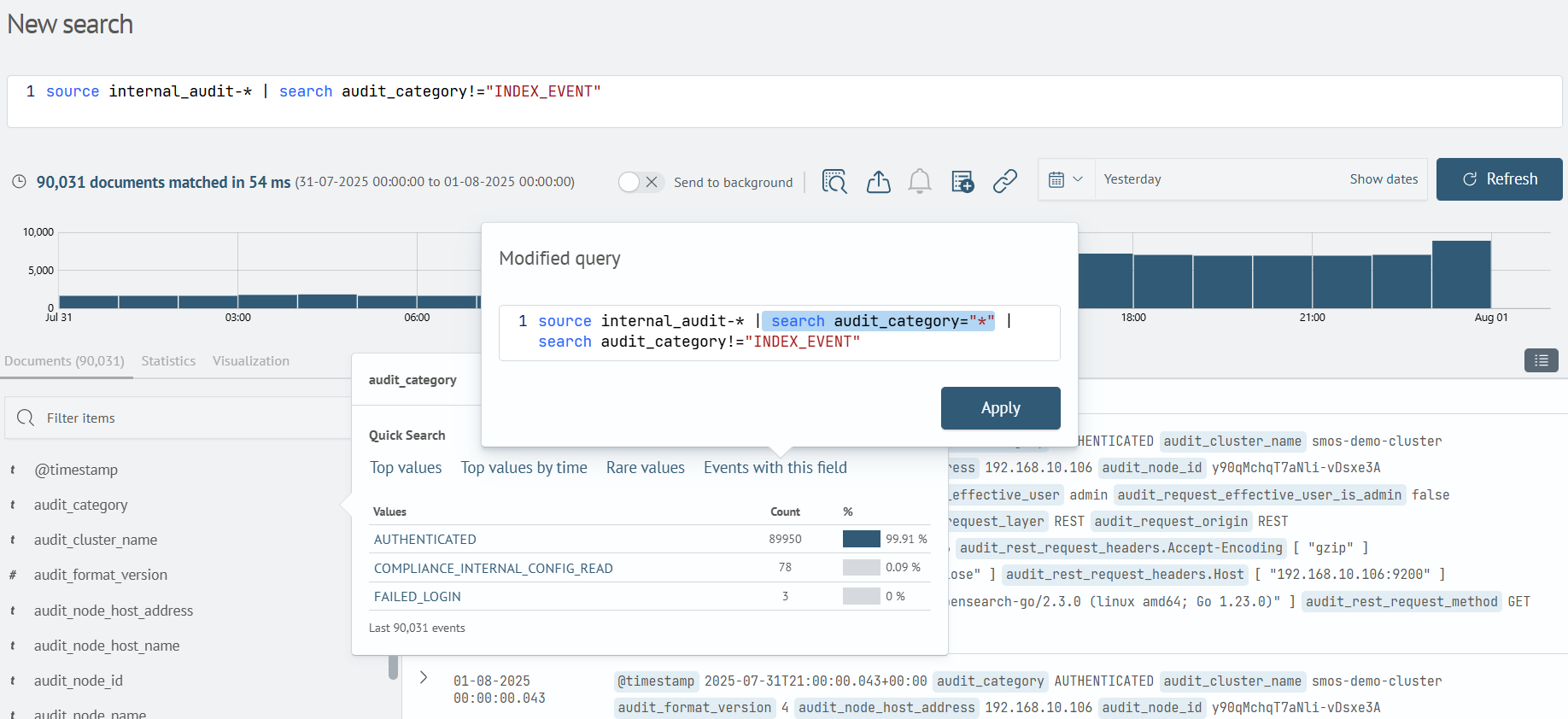
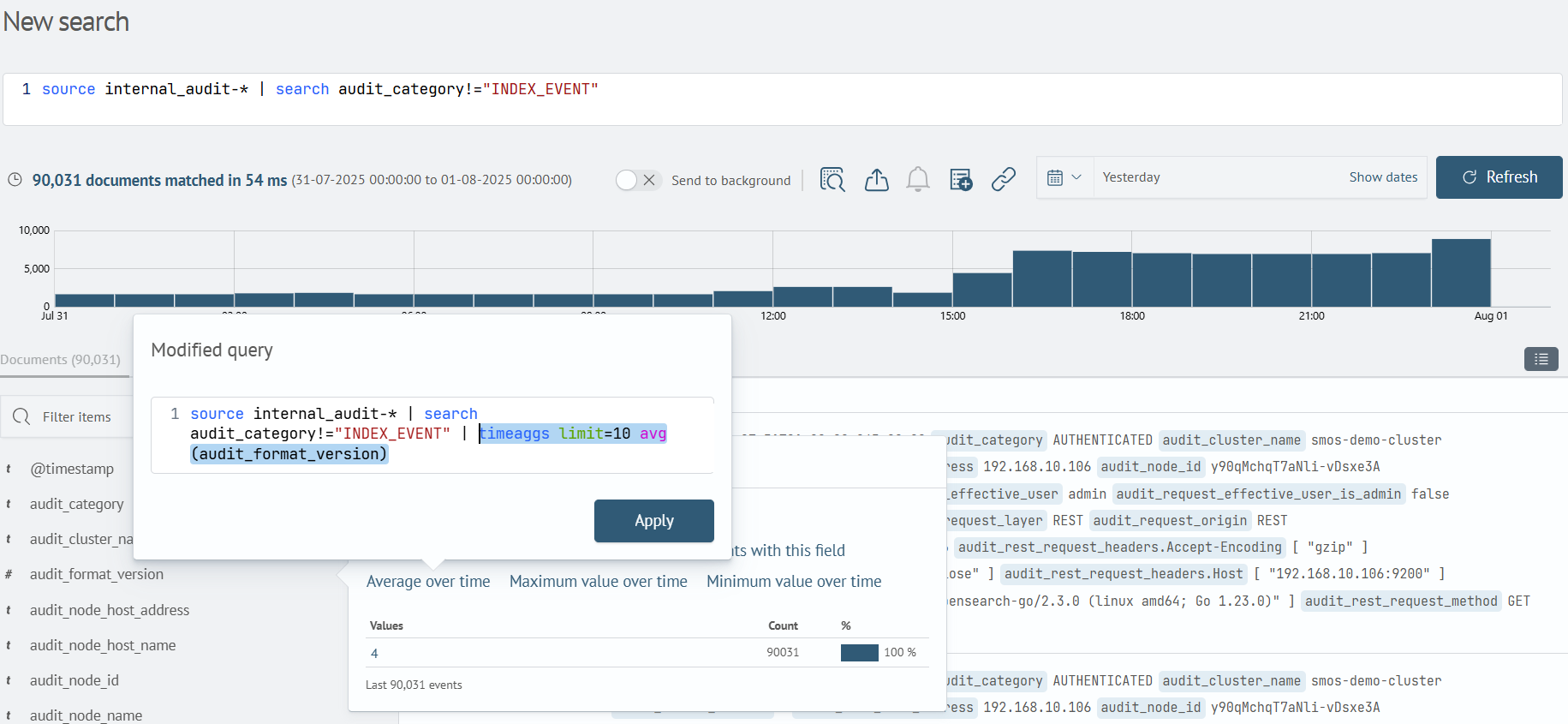
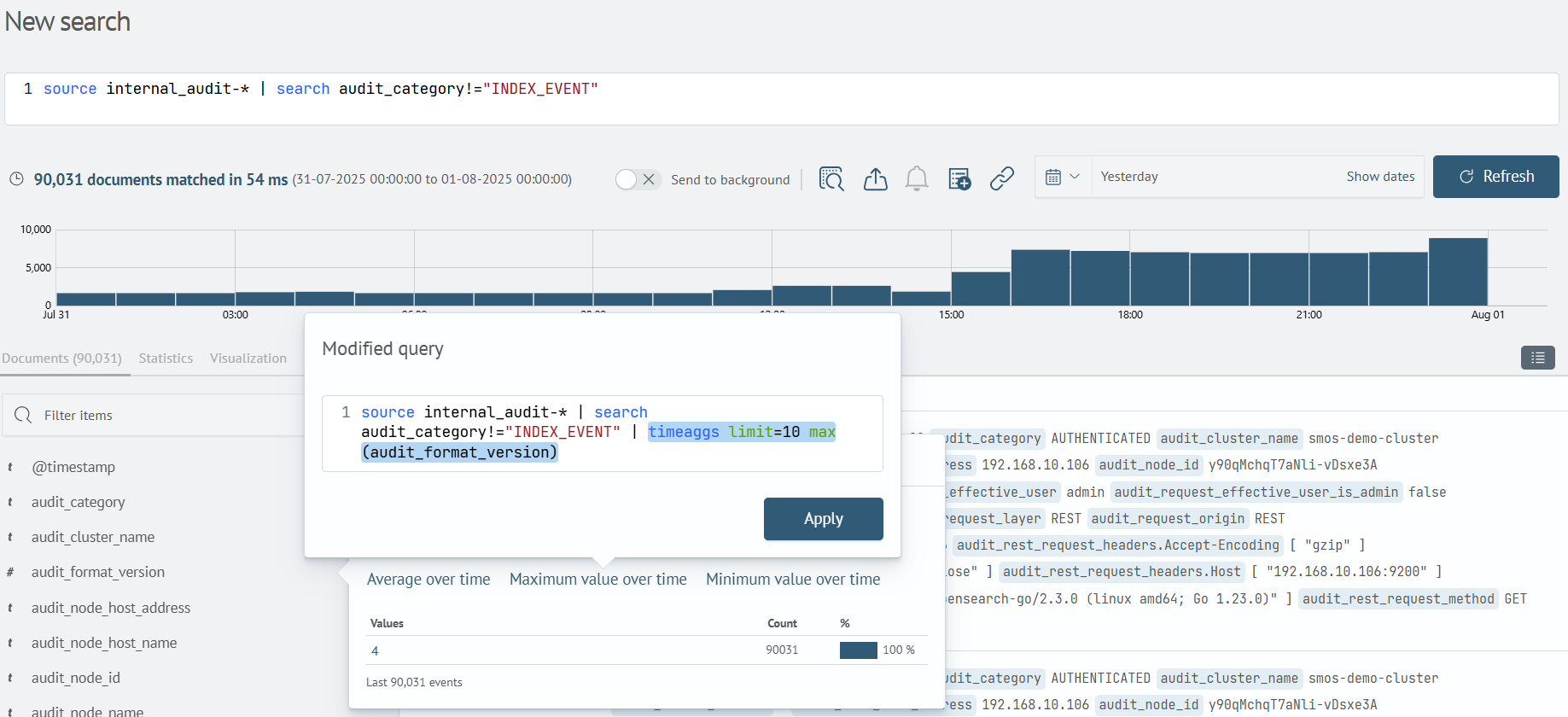
When selecting a quick search option, users can immediately see how their query will change. The preview interface displays the final version of the query with the applied quick operation. This allows evaluating the query logic before execution and making edits if necessary.
Available Quick Search Types
The following supported operation types are available for quick search:
Top values
Displays the 20 most common values for the selected field.
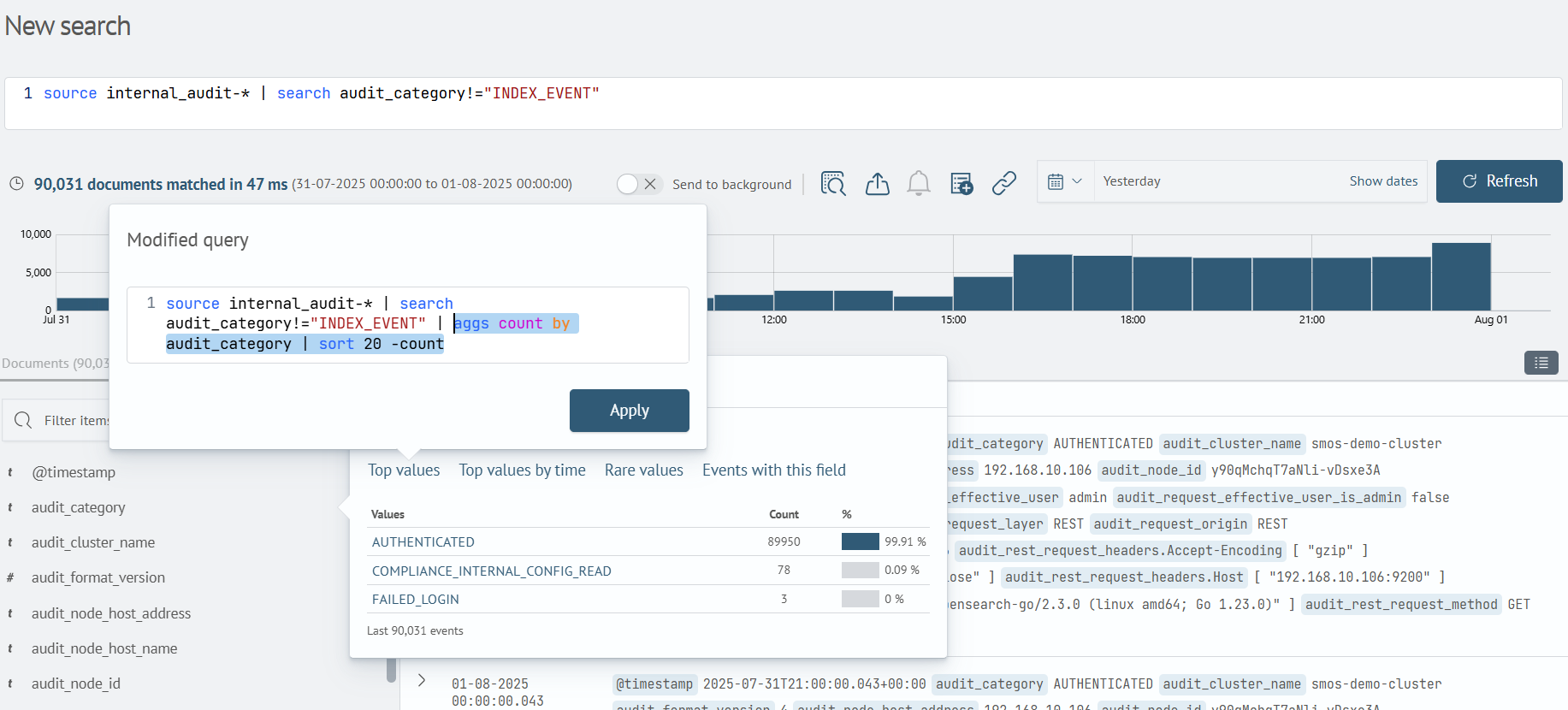
Rare values
Shows the 20 least common values for the field.
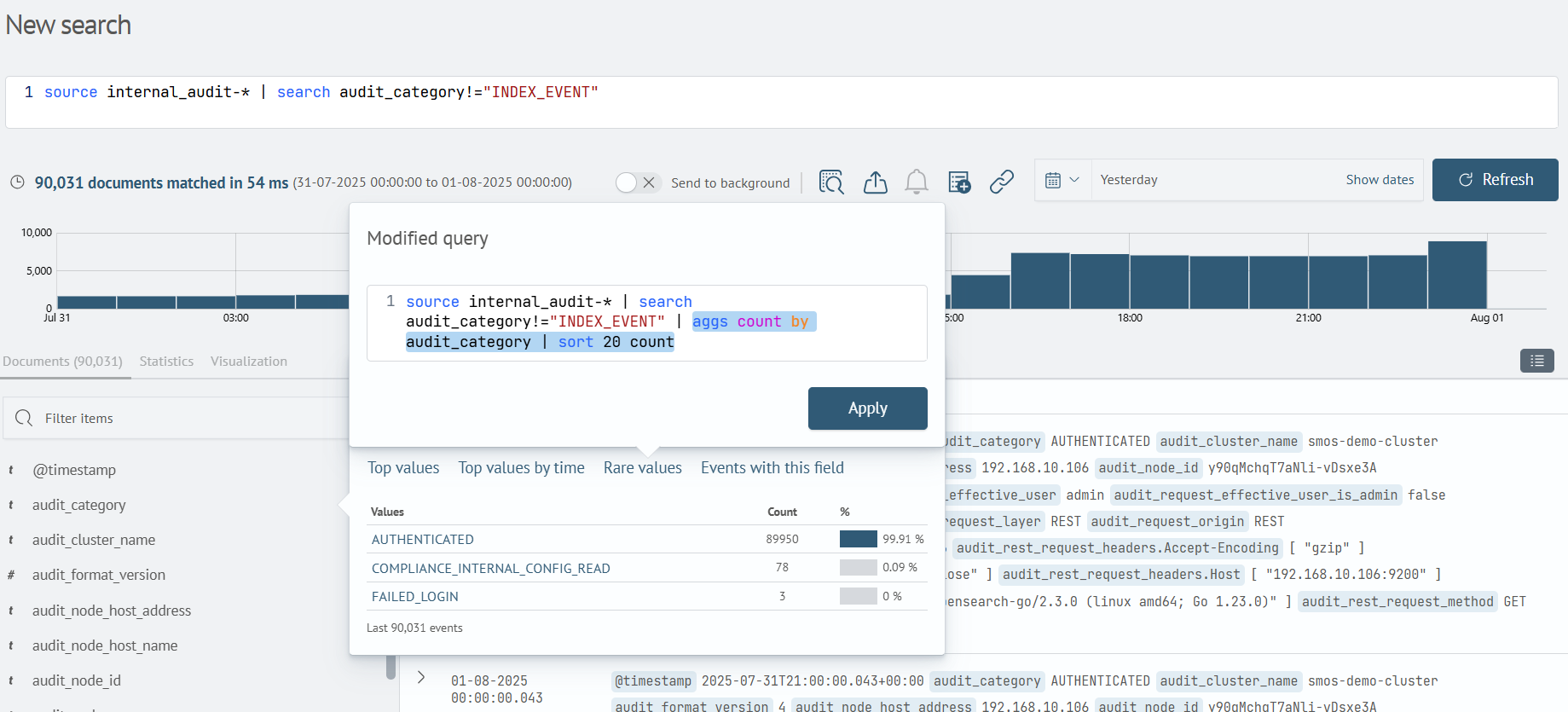
Top values by time
Displays time-aggregated data grouped by the selected field's values.
Events with this field
Filters events containing the selected field.
Average over Time
Aggregates data by calculating the average value over time.
Applies only to numeric fields.
Maximum value over time
Aggregates data by calculating the maximum value over time.
Applies only to numeric fields.
Minimum value over time
Aggregates data by calculating the minimum value over time.
Applies only to numeric fields.
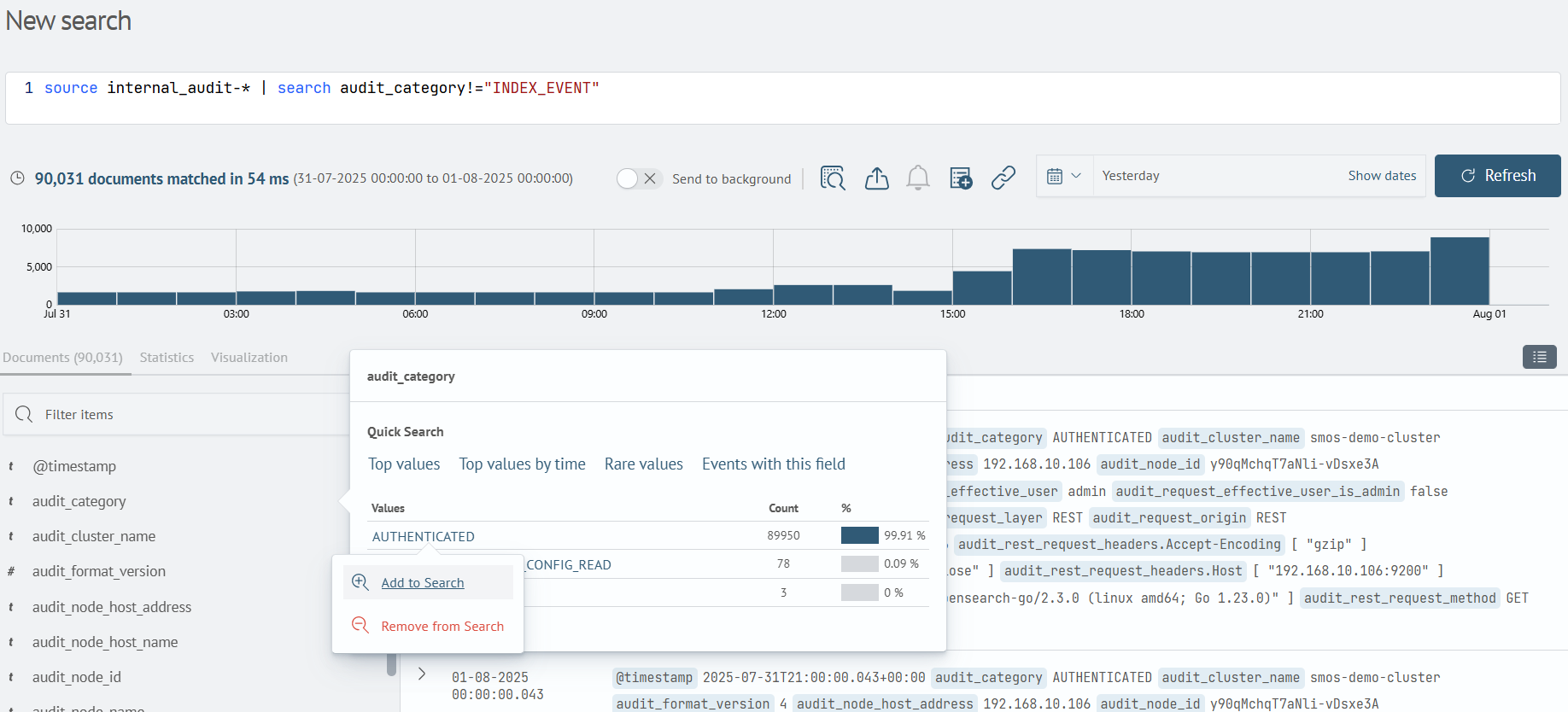
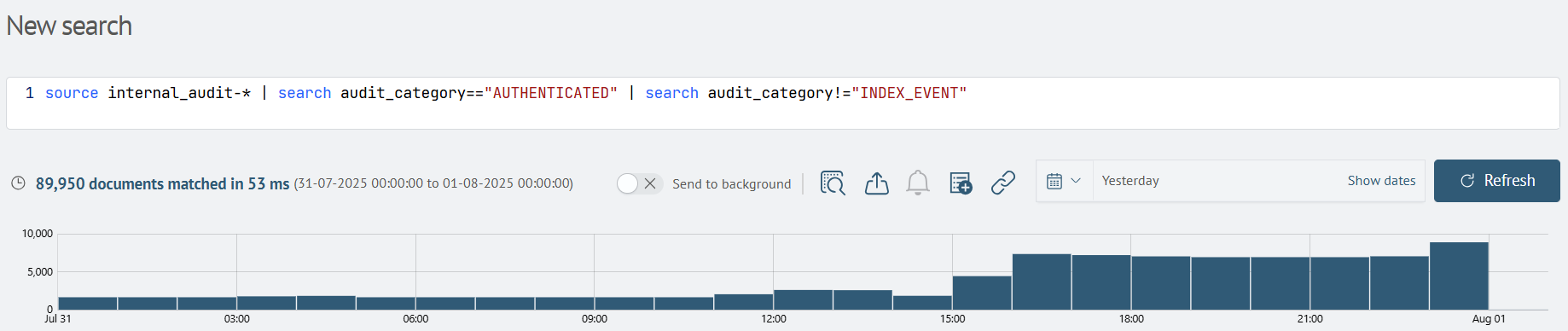
Add to Search
Filters events containing a specified value in a particular field.
Displays the resulting search query.
Remove from Search
Filters events where values don't match the specified one.
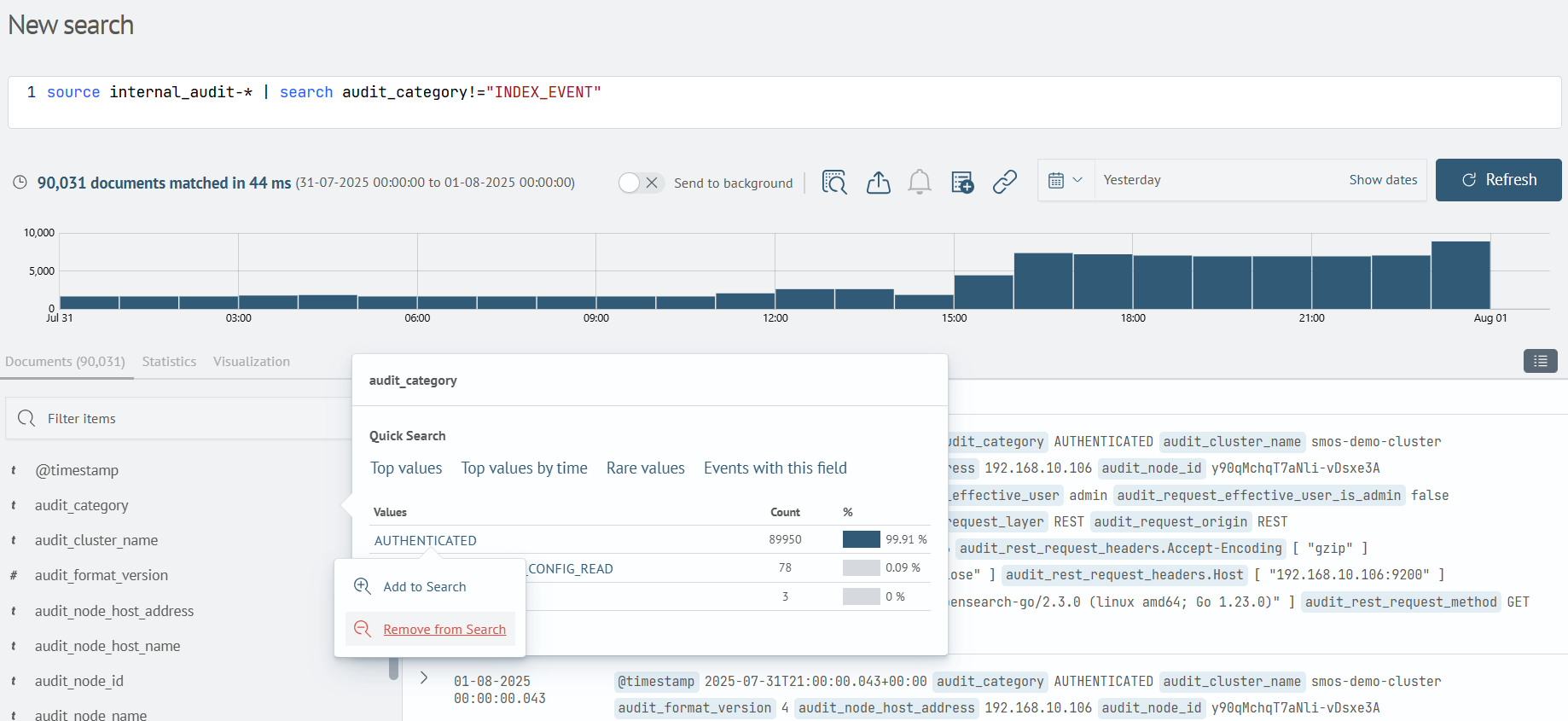
Displays the resulting search query.